Eight AI Image Styles Worth Learning, With Prompts That Work
'Make it look cinematic' is not a prompt. Here are eight styles broken down into the specific words that produce them, and what to change when they miss.
Image-to-video works beautifully on some photos and produces uncanny nonsense on others. The difference is predictable once you know what to look for.
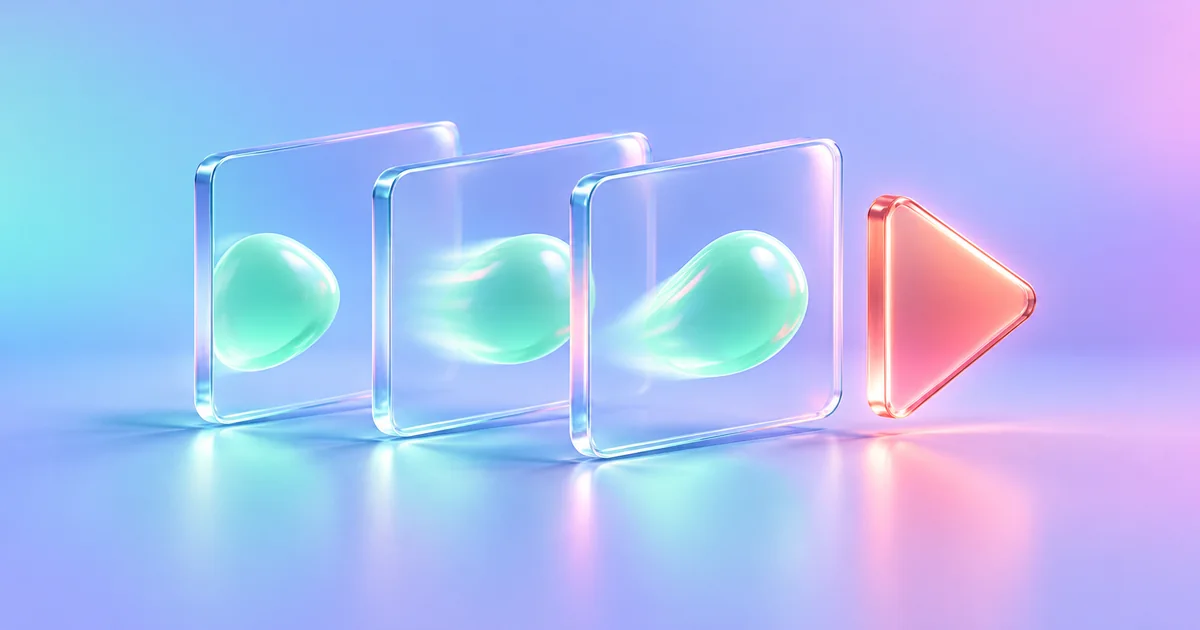
Taking a still photograph and giving it thirty degrees of motion is one of the few AI capabilities that genuinely surprises people. An old family portrait where someone shifts their weight and blinks does something that a still does not.
It also fails badly in specific, predictable ways. Knowing which photos work is most of the skill.
The model takes your image as the first frame and generates the frames that plausibly follow, inferring depth, what is in front of what, and how the scene would move. Everything outside the frame and behind an object is invented, because the model has never seen it.
That is the source of every characteristic failure: hands that recombine, background text that dissolves into approximate letterforms, and objects that gain or lose parts as the camera moves.
The default is usually a gentle camera drift. If you want something specific, ask for one thing, plainly.
Slow push in toward the subject. She turns her head slightly toward the camera and smiles. Leaves move gently in the background. Everything else stays still. No camera shake.
Three rules that hold consistently:
Family photographs. The single most affecting use, and worth doing with some care about who is in the picture and how they would feel about it.
Product shots for social. A slow rotation or push on a clean product photo gives you motion for a feed without a video shoot. Do not animate the product doing something it cannot do.
Backgrounds and B-roll. Landscapes, textures, and abstract shots animate reliably and fill the gaps in an edit.
Concept and pitch work. A moving mock-up communicates an idea faster than a still, provided everyone knows it is a mock-up.
Animate Photo is the tool for this. Image Gen pairs with it when you want to generate the still first and then move it, which gives you full control over the frame the animation starts from — often better than animating a photograph that was never composed for motion.
Short. Image-to-video models produce a few seconds, which is enough for a social post or a background loop and not enough for a narrative.
Hands are geometrically complex, self-occluding, and highly familiar to human viewers, so small errors are extremely visible. Choose photos where hands are simple or out of frame.
Technically yes. Ask first. Anything that makes a real person appear to speak or act is the category where this technology causes actual harm.
Generation is stochastic. Run it a few times and choose; that variance is a feature when you use it deliberately.
Pick a photo with a clear subject and real depth, ask for one small movement, name what should stay still, and generate a few. That is the entire technique, and it produces something worth watching far more often than a longer prompt does.
Try it in ChatUp
Run the prompts above against the model that suits the task, keep the useful context across chats, and pick it back up on any device.
Try for Free'Make it look cinematic' is not a prompt. Here are eight styles broken down into the specific words that produce them, and what to change when they miss.
A repeatable three-step routine for turning a plain idea into a usable marketing image, then keeping every image after it consistent with the first.
Marketing rarely ends with one deliverable. Here is how to cover research, copy, visuals, and review without collecting eight subscriptions you half-use.
A wedding is a project with a fixed deadline and a hundred dependencies. Here is where AI genuinely helps, and where it will confidently invent a florist.