
Every leading AI model. One studio.
Images, clips, music and voiceovers with Seedance, Kling, Veo, GPT Image and more.One account, one credit balance, every tool in one place.
- Seedance
- Kling
- Veo
- GPT Image
- Nano Banana
- Grok Imagine
- Seedream

You bring the idea. ChatUp brings the models.
Pictures, clips, songs and voiceovers, made in one place.
38 image and 35 video models from the makers you know.One account, one credit balance.
- Seedance
- Kling
- Veo
- GPT Image
- Nano Banana
- Grok Imagine
- Seedream
Featured models
 Seedance 2.5ByteDance's newest Seedance: cinematic motion with sound, up to 15 seconds.From 2,460 credits for a 4-second clip
 Kling 4.0Kling's newest model: lifelike motion with sound.From 612 credits for a 3-second clip
 Seedance 2.5 DraftA 480p Seedance 2.5 preview for testing ideas at a lower cost.From 1,148 credits for a 4-second clip
 Veo 3.1Google's Veo 3.1: premium cinematic clips with dialogue and sound.From 2,080 credits for a 4-second clip
 Seedance 2.0 FastA faster, lower-cost Seedance 2.0 with sound.From 1,256 credits for a 4-second clip
 GPT Image 2.5OpenAI's latest GPT Image: polished detail, legible text and faithful edits.75 credits per image
 OpenAI GPT Image 2OpenAI's image model: follows detailed prompts and renders clean, readable text.70 credits per image
 Gemini Nano Banana 2 LiteA quick, low-cost Nano Banana for everyday images and simple edits.45 credits per image
 Gemini Nano Banana 2.1Google's newest Nano Banana: precise edits that keep faces and details consistent.90 credits per image
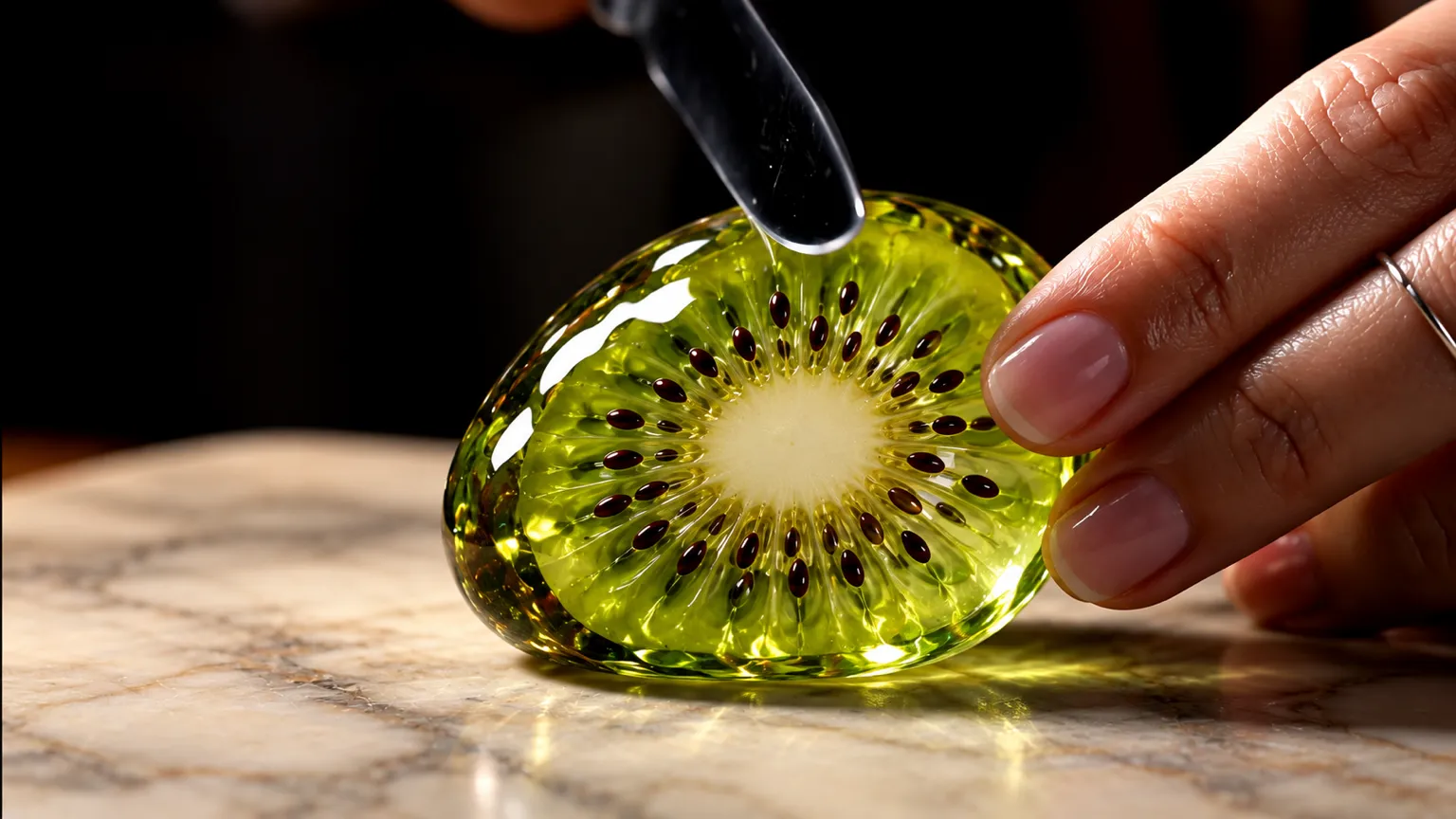 Gemini Nano Banana ProGoogle's top Nano Banana for detailed scenes, accurate text and complex edits.180 credits per image
Everything you need to make it, in one studio
From a sentence to a finished picture
Describe what you want and choose from 38 image models, each with its own look, shapes and price.
Explore image models
Change one thing, keep everything else
Remove an object, swap a background, restore an old print or sharpen a photo, with 28 models that edit from a description.
Open the Editor
Scenes that move, with sound
Turn a description or a photo into a clip with 35 video models, from quick drafts to cinematic shots.
Explore video models
Give an existing clip a new direction
Restyle a scene, extend a shot, relight it, replace the background, add sound effects or upscale it — on the clips you already have.
Open the Video studio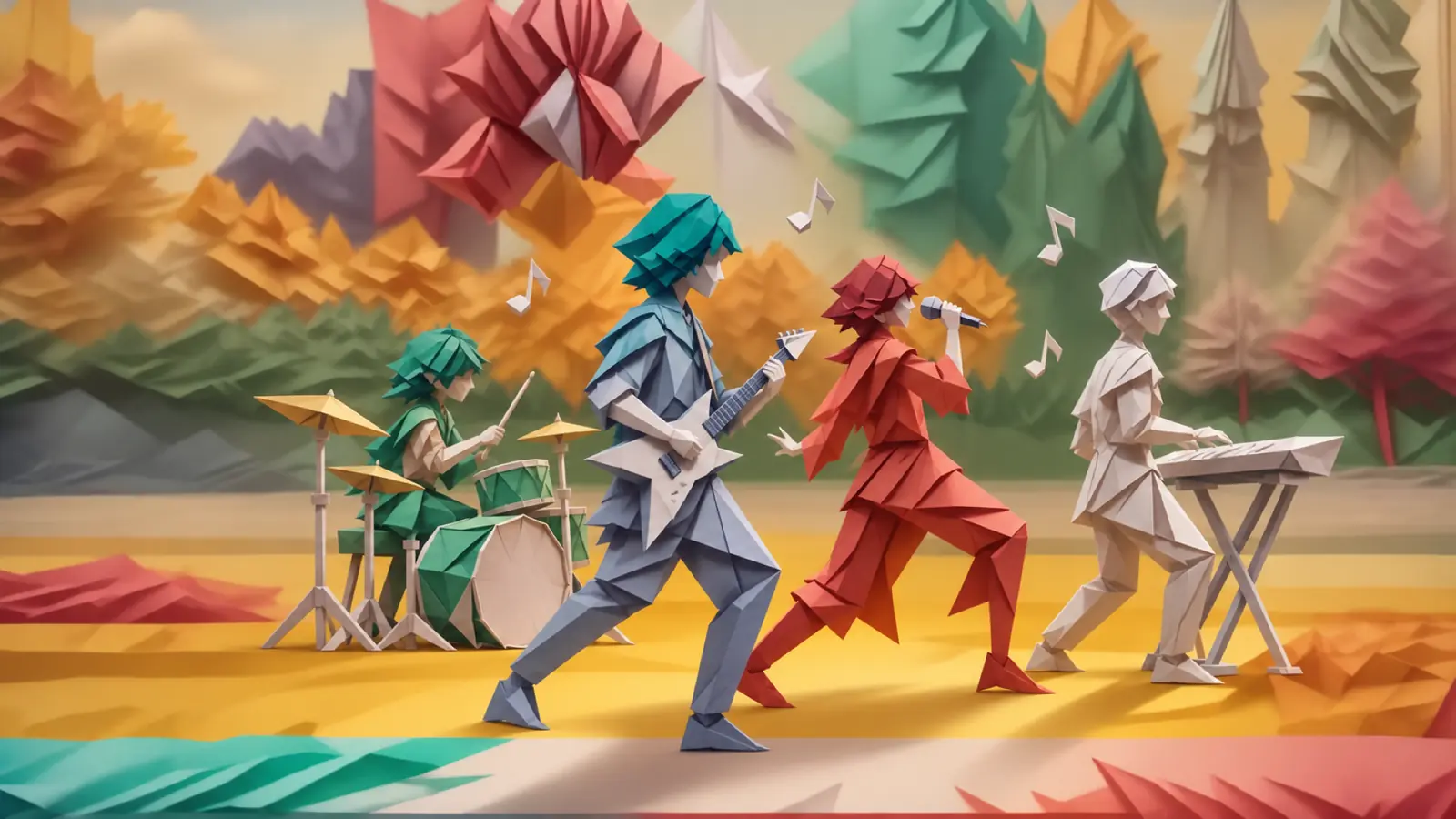
Songs and voiceovers to go with it
Write a song for a moment or a brand, or turn a script into a natural voiceover — then use it in your next video.
Open MusicChatUpStudio
Make it once. Fit it everywhere.
Resize, animate, sharpen and retouch what you already have, from social posts and ads to product pages, with the same credits in the same studio.
Open the AI EditorOne picture, every format. Expand a photo to a new shape for a story, a banner or a post without cropping out what matters.
From product photo to video ad. Start from a product shot, describe the motion and get a short clip ready for an ad or a reel.
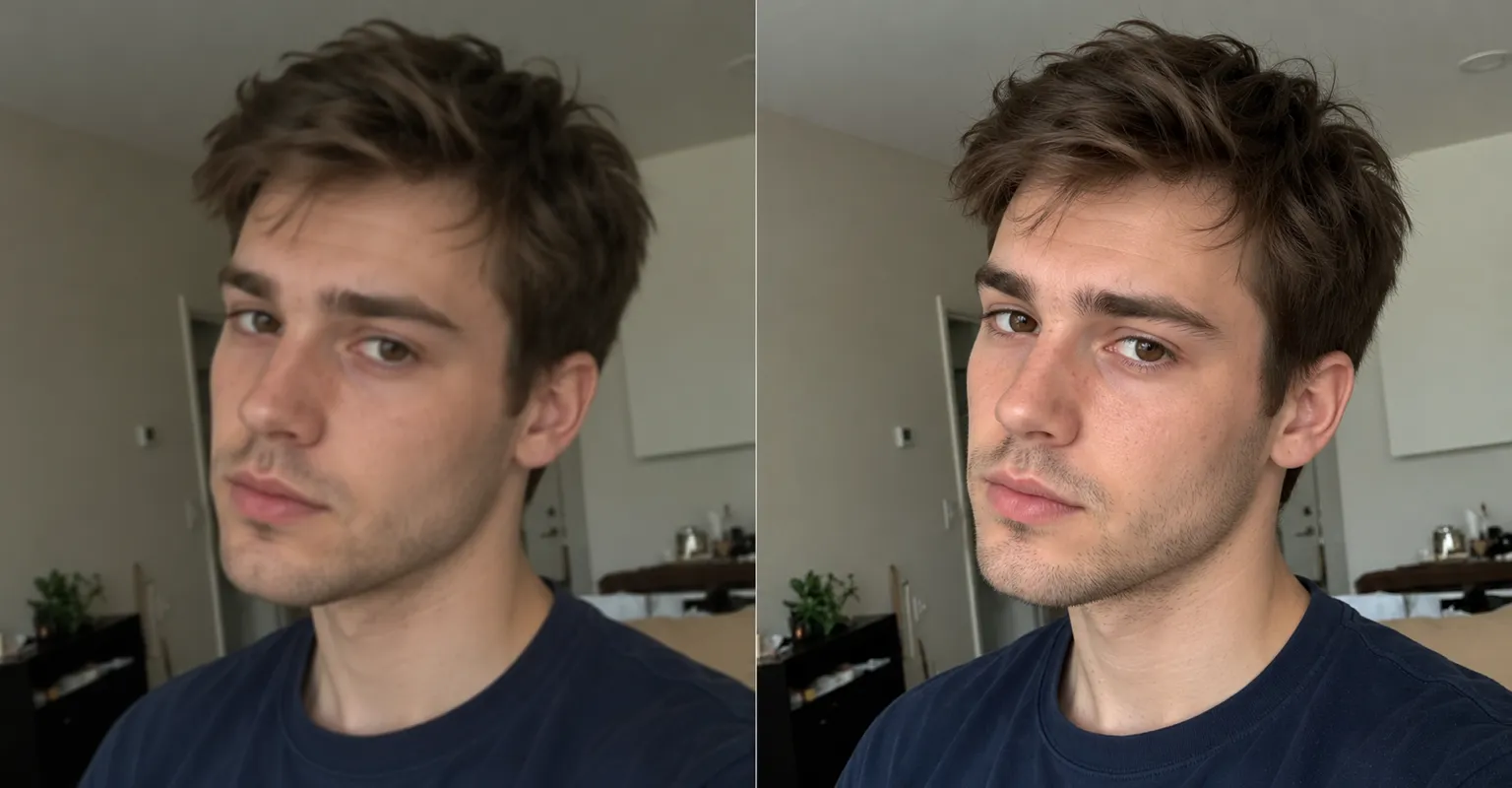
Sharper in one step. Upscale a small or soft picture so it holds up on a big screen or in print.
Remove or replace anything. Take out a stranger, a cable or a sign, or put something new in its place, and keep the rest of the photo as it was.

A new look for a portrait. Change the background, the light or the style of a photo for a profile, a post or a campaign.

Take the studio with you
Create on your phone with the ChatUp app for iPhone and Android, and pick up where you left off with the same account.
Your plan, your credits and everything you make go with you.
Built for people who make things
Every model, one balance, and the cost before you create.
The leading models, side by side
38 image and 35 video models from 10+ makers, so you can pick the right one for each job instead of paying for several apps.
One balance for every tool
Images, video, music, voice and editing all draw on the same weekly credits that come with your plan.
The cost before you create
Every Generate button shows its credit cost first, so there are no surprises at the end of the week.
Your work, everywhere
Everything you make is saved to Assets, with folders and favorites, and your account works on the web, iPhone and Android.
Pick your plan
Every plan reaches every model and tool, with weekly credits for images, video, music and voice. The cost shows before each creation.
- Pro
- Max
- Ultimate
- Creator
Frequently asked questions
What is ChatUp?
ChatUp is an AI creative studio. It brings leading image, video, music and voice models together in one place, on the web and in the iPhone and Android apps.
Which AI models can I use?
Image models include OpenAI GPT Image 2, Gemini Nano Banana 2.1, Gemini Nano Banana 2 Lite and Gemini Nano Banana Pro; video models include Grok Imagine Video 1.5 Lite, H3 Turbo (Fast), Seedance 2.5 and Seedance 2.0 Fast. 73 models in all, and the list follows what ChatUp offers today.
Browse the modelsHow do credits work?
Each creation uses credits, and the cost depends on the model and settings — the Generate button shows it before you start. Plan credits refill every Monday at 00:00 UTC and unused weekly credits don’t carry over. Credit packs you buy never expire.
Credits in the Help CenterDo I need a plan to create?
Yes. You can browse every tool and model and write a prompt with an account, but creating needs a paid plan or purchased credits. Credit packs are available to accounts with an active plan.
See plansCan I use what I make commercially?
Under ChatUp’s Terms you keep the rights to what you create, including commercial use, as long as you follow the Terms and the law.
Read the TermsWhere are my creations saved?
In Assets, with your uploads. Sort them into projects, mark favorites, download them one at a time or as a zip, and take any picture on into the Editor, the Enhancer or a video.
Is ChatUp on iPhone and Android?
Yes. Get ChatUp on the App Store or Google Play and sign in with the same account. A plan bought in an app store is managed in that store.
How do I cancel my plan?
Open Settings → Billing and cancel before your plan renews. Plans bought in the App Store or Google Play are cancelled in that store. Questions? Email [email protected].
Manage billing
Your next idea is a prompt away
Pick a model, describe it, and see the cost before you create.