
Image to Image
Start from your photo, end with something new
Add a picture of a product, a person or a place, describe what should change, and let the model make a new version that keeps what matters.
28 image models to choose from
- GPT ImageNewOpenAI GPT Image 2OpenAI's image model: follows detailed prompts and renders clean, readable text.70 credits per image
- Nano BananaNewGemini Nano Banana 2.1Google's newest Nano Banana: precise edits that keep faces and details consistent.90 credits per image
- Nano BananaNewGemini Nano Banana 2 LiteA quick, low-cost Nano Banana for everyday images and simple edits.45 credits per image
- Nano BananaGemini Nano Banana ProGoogle's top Nano Banana for detailed scenes, accurate text and complex edits.180 credits per image
- Grok ImagineNewGrok ImaginexAI's image model: bold, expressive pictures from short prompts.65 credits per image
- Nano BananaNewNano Banana 2Fast, sharp Nano Banana images with strong prompt following and reference edits.105 credits per image
- Nano BananaNano BananaThe original Nano Banana: reliable photo edits that keep the subject intact.55 credits per image
- GPT ImageNewGPT Image 2.5OpenAI's latest GPT Image: polished detail, legible text and faithful edits.75 credits per image
- GPT ImageGPT Image 1.5An earlier GPT Image that handles text, layouts and edits well.70 credits per image
- SeedreamNewSeedream 5.0 ProByteDance's top Seedream: rich, high-resolution images with fine detail.90 credits per image
- SeedreamNewSeedream 5.0 FlashA faster Seedream 5.0 for quick drafts and edits.40 credits per image
- SeedreamSeedream 5.0 LiteA lighter Seedream 5.0 that balances quality and cost.50 credits per image
- SeedreamSeedream 4.5Seedream 4.5: crisp images and consistent multi-image edits.55 credits per image
- SeedreamSeedream 4.0Seedream 4.0: dependable images and reference-based edits.40 credits per image
- FluxNewFlux 3Black Forest Labs' newest Flux: photoreal images with strong prompt following.65 credits per image
- FluxFlux 2 ProFlux 2 Pro: realistic, well-composed images and reference edits.40 credits per image
- FluxFlux 2 MaxThe highest-quality Flux 2 for demanding, detailed images.95 credits per image
- FluxFlux 2 FlexFlux 2 Flex: sharp typography and fine detail.65 credits per image
- FluxFlux 2 Klein 9BA small, very fast Flux 2 for quick drafts and edits.15 credits per image
- FluxFlux Kontext ProFlux Kontext Pro: edit an image by describing the change.55 credits per image
- FluxFlux Kontext MaxFlux Kontext Max: the strongest Kontext for precise, text-guided edits.105 credits per image
- IdeogramNewIdeogram 4.5Ideogram 4.5: standout text in images, for posters, logos and signs.80 credits per image
- WanNewWan 2.7Alibaba's Wan 2.7 for images and reference edits.40 credits per image
- Grok ImagineNewGrok Imagine 1.0xAI's first Grok Imagine image model.30 credits per image
- KlingKling 3.0 OmniKling 3.0 Omni for images: consistent characters across references.40 credits per image
- KlingKling O1Kling O1 for images: reference-led generation and edits.40 credits per image
- QwenNewQwen Image 3.0Alibaba's Qwen Image 3.0: accurate text and detailed edits.55 credits per image
- QwenQwen Image 2Qwen Image 2 for text-heavy images and edits.50 credits per image
How it works
Add your photo
Upload a picture, or pick one from your Assets.
Describe the change
A new setting, a new style, a new outfit or light — say it in your own words.
Create and compare
The Generate button shows the cost first; try another model or prompt and keep the best.
Prompts to try
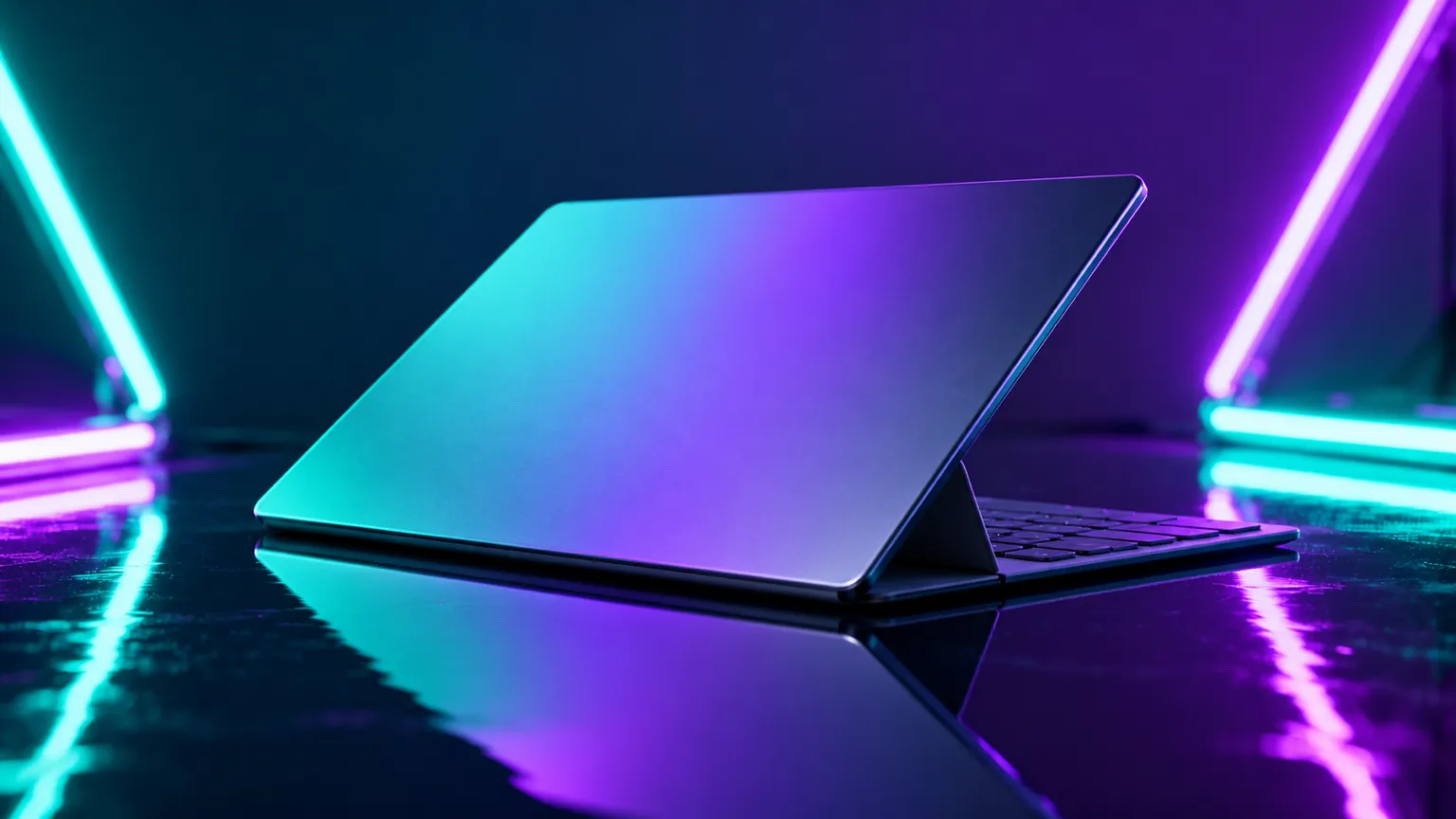
Idea · Product shots. “A thin open laptop set at a slight angle on a glossy, reflective table, lit by teal and violet neon tubes behind it for a sleek, high-tech feel. Let the light trace its slim edges.”
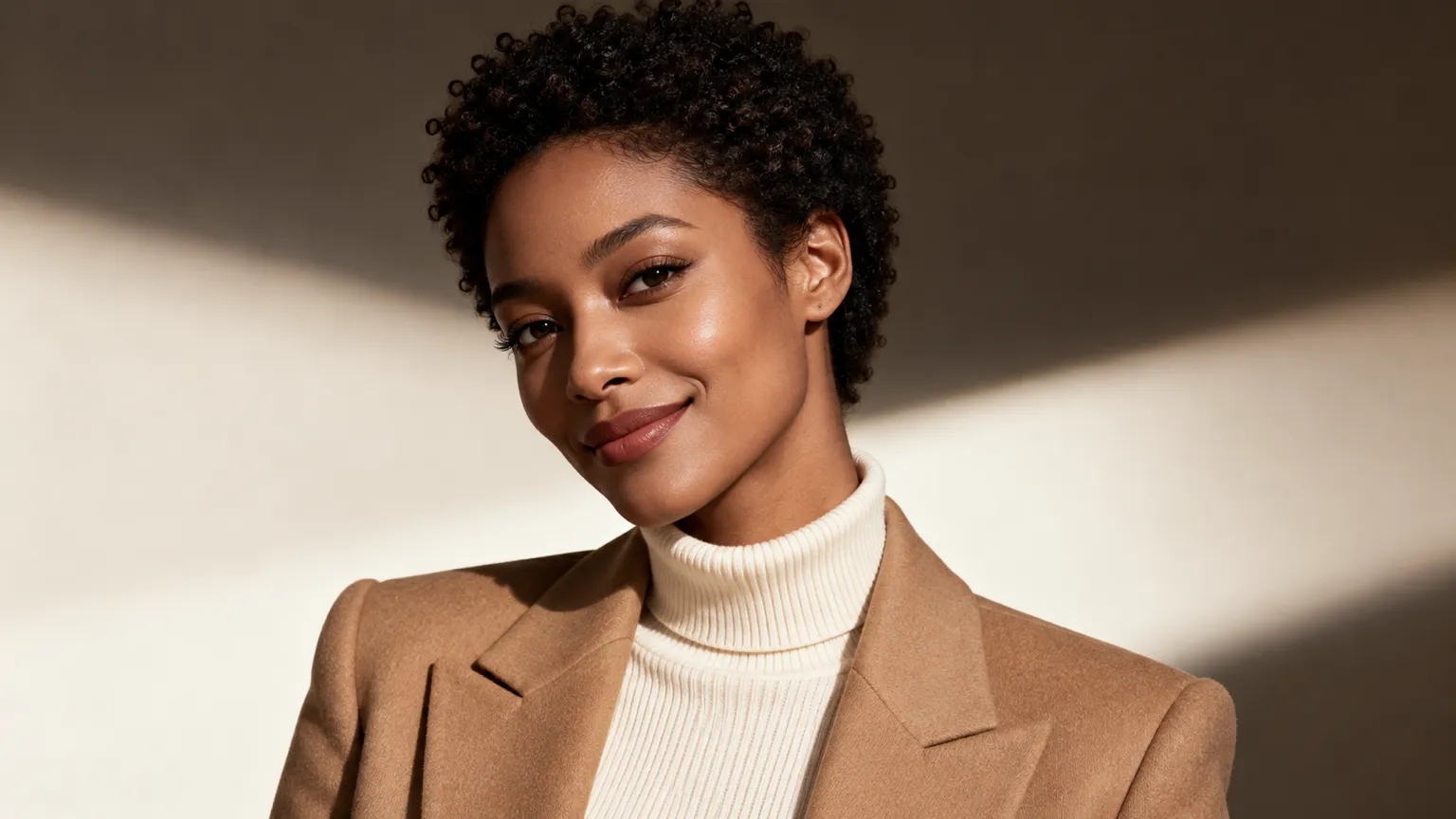
Idea · Brand portraits. “A confident woman with short natural curls, smiling, in a cream turtleneck and camel blazer, soft studio light on a plain warm backdrop, styled like a magazine cover.”
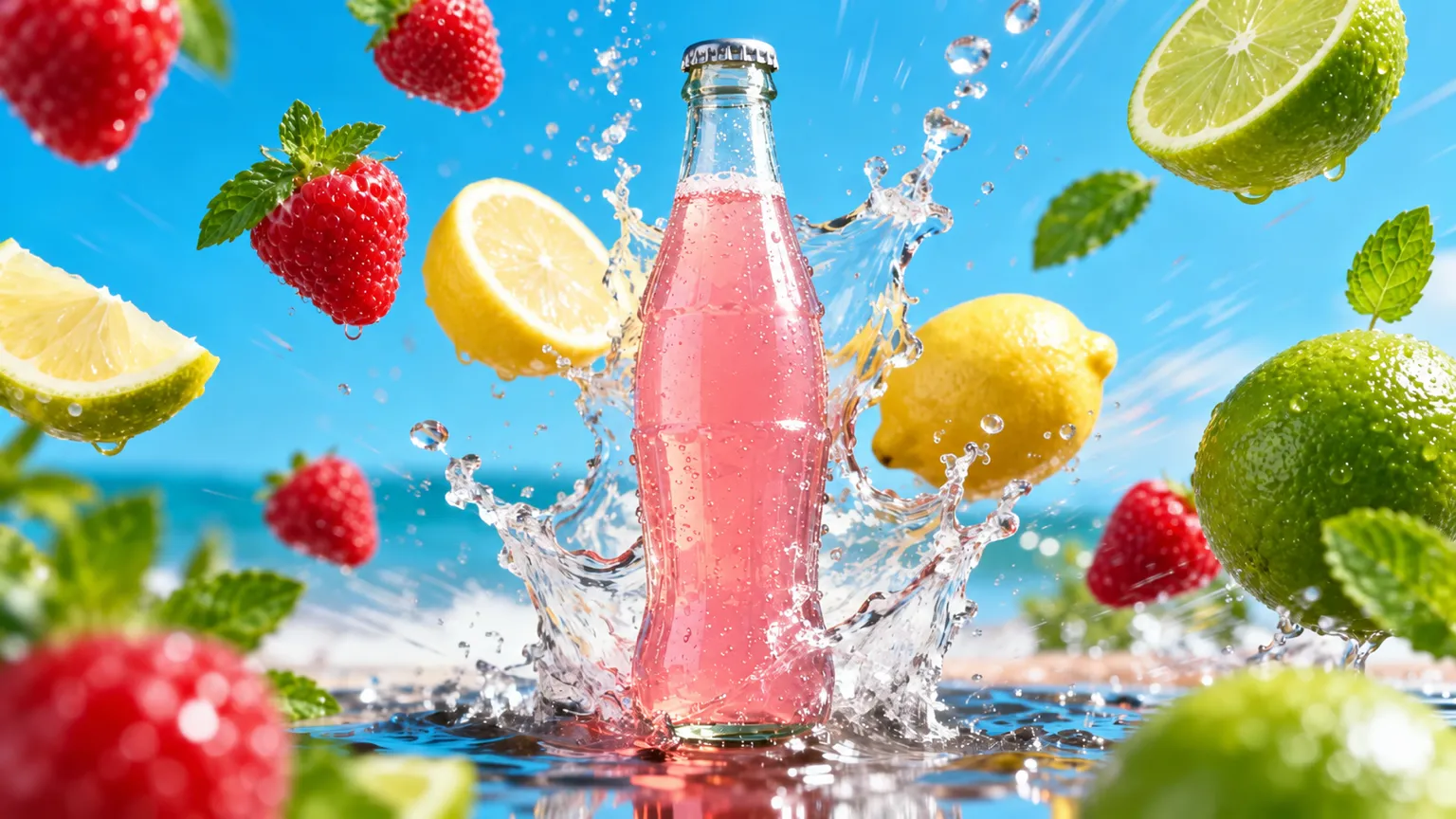
Idea · Ads and promos. “A clear glass bottle of pink lemonade bursting up from a splash of water, with strawberries, lemons and limes flying around it, bright beach and blue sky behind.”
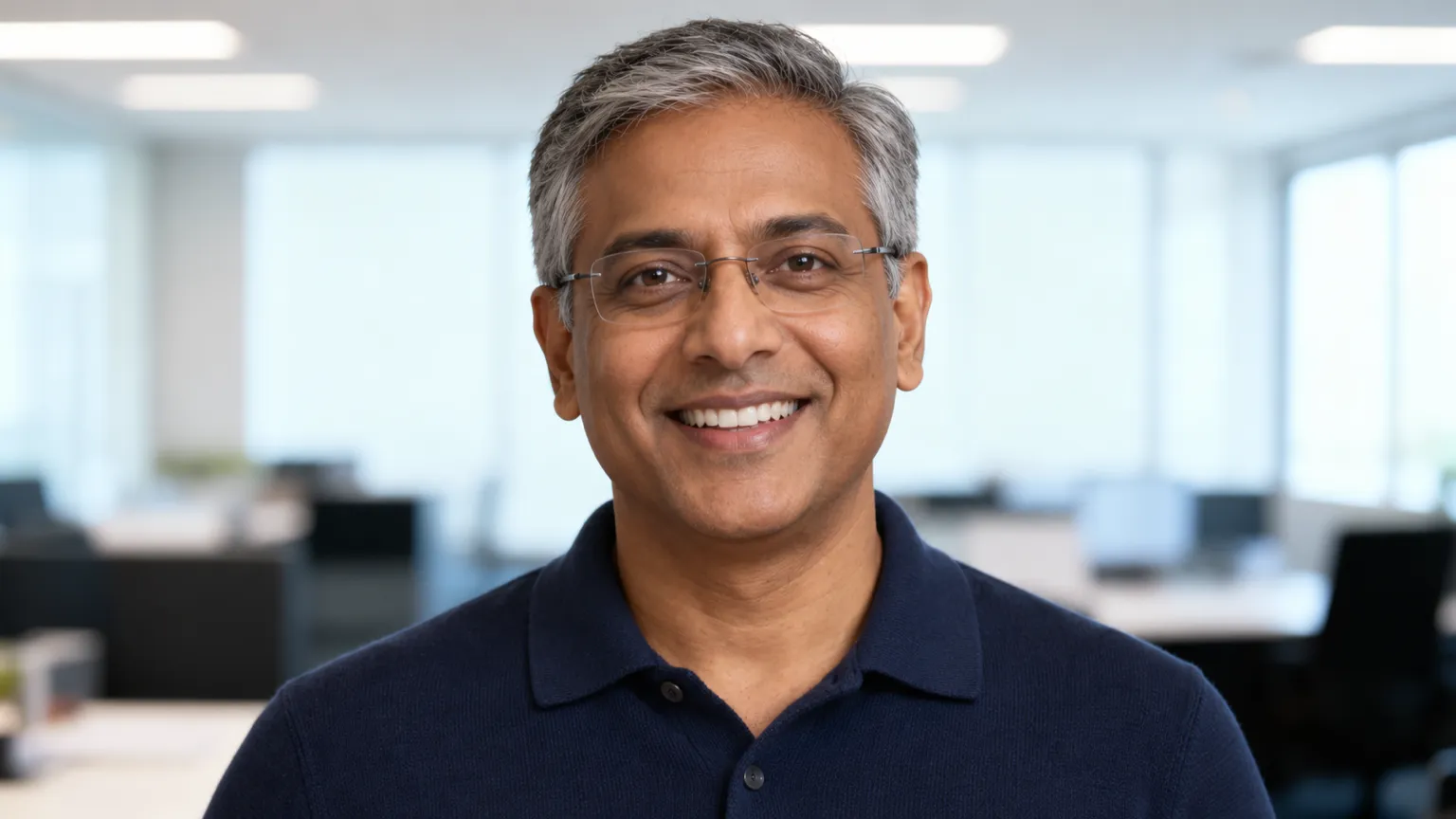
Idea · Team and profile photos. “A friendly man in his fifties with short grey hair and rimless glasses, wearing a navy knit polo, smiling at the camera in a bright open-plan office with soft daylight.”
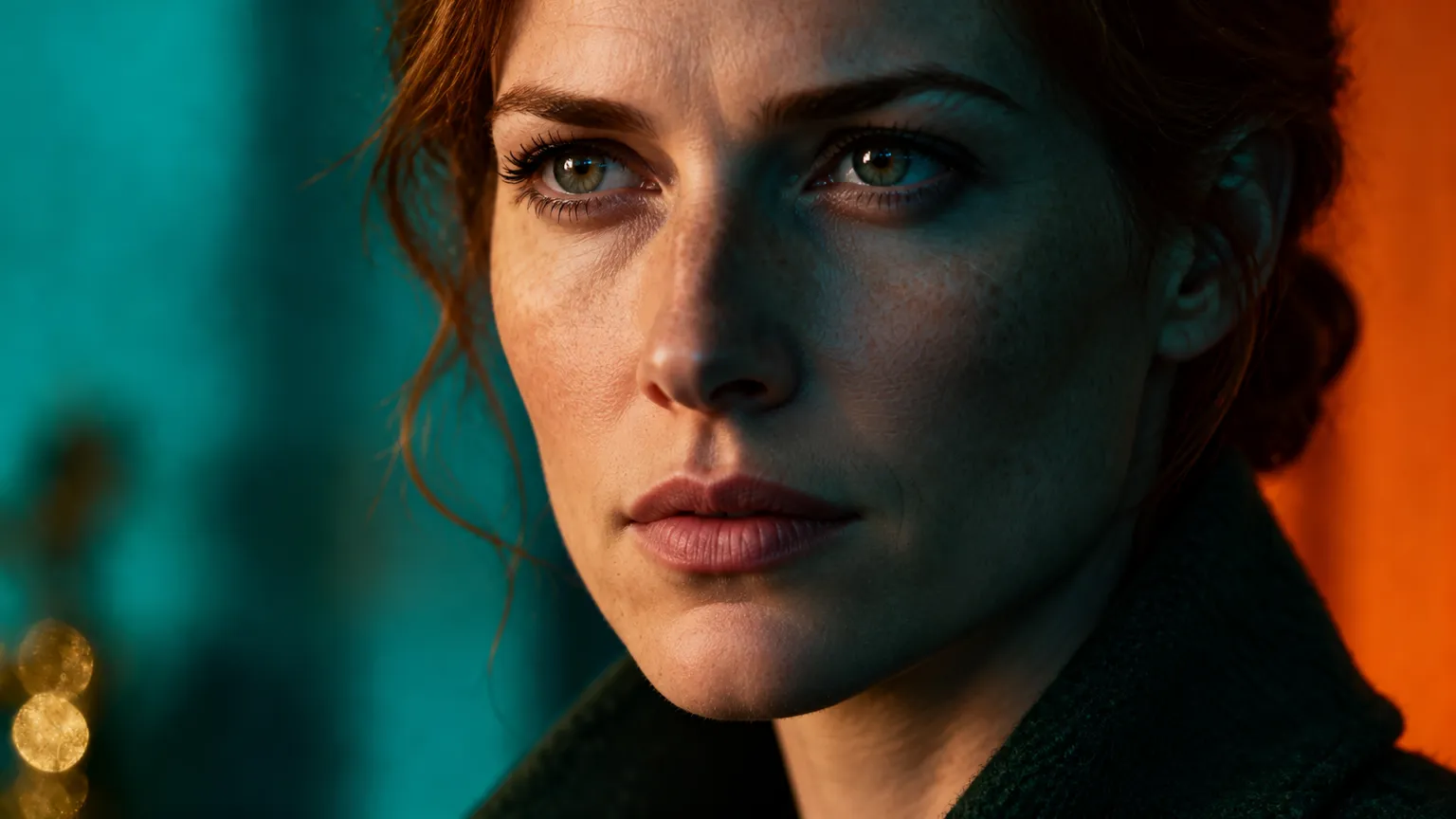
Idea · Film looks. “A close-up of a woman with auburn hair in a low bun and a dark green wool coat, collar up, lit with moody teal and orange light like a still from a thriller.”
Frequently asked questions
What is image to image?
You start from a photo instead of a blank page. The model reads your picture and makes a new image from it and your description.
How many photos can I add?
It depends on the model: up to 5 in ChatUp. Each model’s page lists its own limit.
Can I just edit part of a photo?
Yes. ChatUp’s Editor changes one part of a picture — a background, an object, the light — and keeps the rest.
Open the EditorDo I need a plan to use image to image?
Yes. Making images in ChatUp needs a paid plan or purchased credits. Each plan comes with weekly credits, and every creation shows its cost before you start.
See plansReady when you are
Pick a model, describe it, and see the cost on the Generate button before you create.
Start from a photo