
Kling
Kling O1 AI image generator
Kling O1 for images: reference-led generation and edits. Use Kling O1 in ChatUp’s Image studio to make new pictures or edit your own.
40 credits per image
- Maker
- Kling
- Makes
- Images and photo edits
- Shapes
- 9:16, 16:9, 1:1, 4:3, 3:4, 3:2, 2:3 and 21:9
- Reference photos
- Up to 5 (required)
- Credits
- 40 credits per image
What Kling O1 is good at
Built around your photo
Kling O1 works from a picture you add: describe what should change and it makes a new version.
Edit by describing the change
Add a photo and say what should change — a new background, an object removed, a different style — and the rest of the picture stays as it was.
8 shapes
Make it 9:16, 16:9, 1:1, 4:3, 3:4, 3:2, 2:3 and 21:9, so the picture fits a post, a story, a banner or a print.
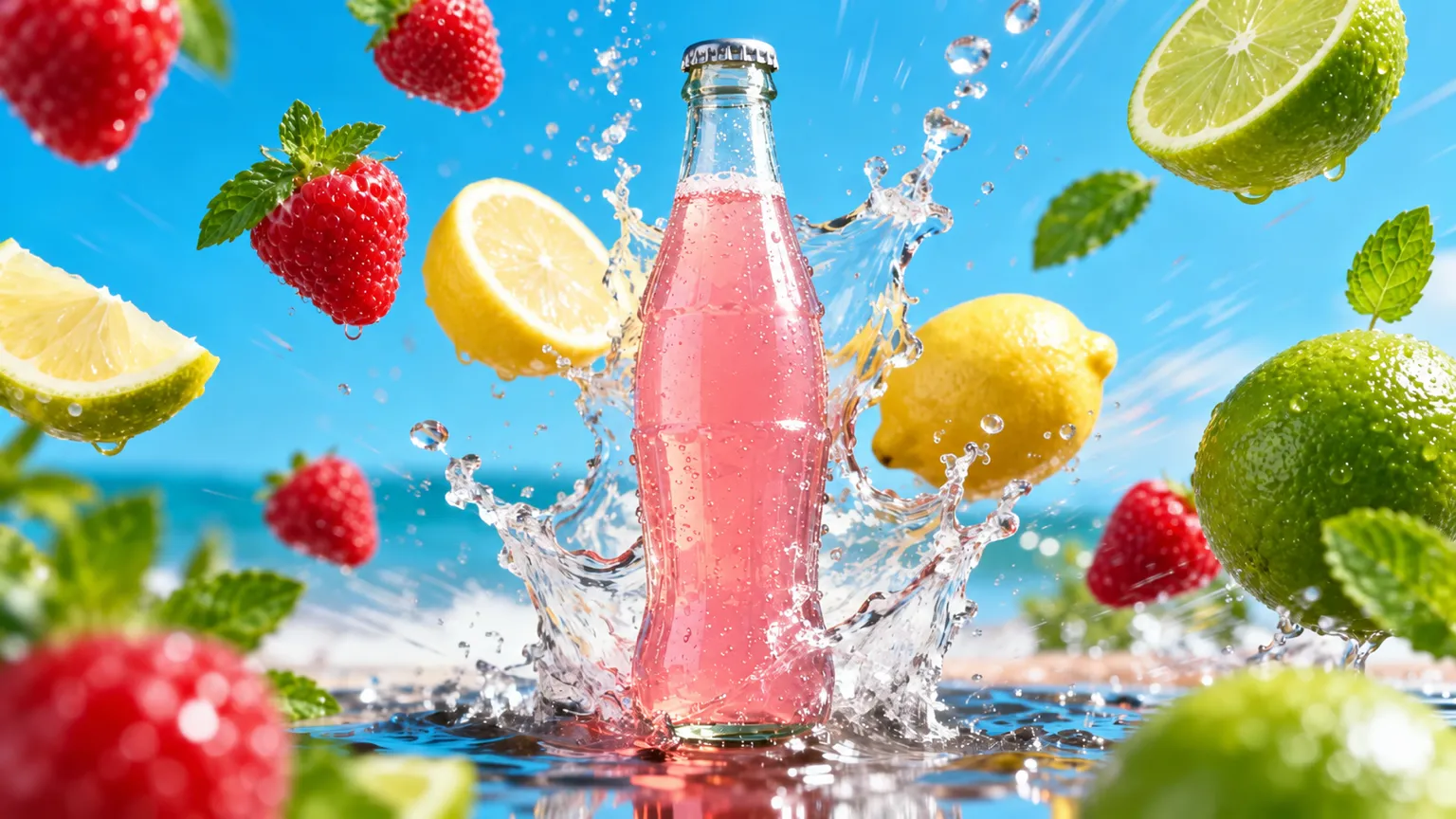
Example prompt · an idea to start from
Try a prompt like this
“A clear glass bottle of pink lemonade bursting up from a splash of water, with strawberries, lemons and limes flying around it, bright beach and blue sky behind.”Write yours in Image
What it costs
Each Kling O1 image uses 40 credits. Adding reference photos can add a few credits; the Generate button shows the exact cost before you create.
Credits come with every paid plan and refill weekly. Compare plans.
Kling O1 FAQ
What is Kling O1?
Kling O1 for images: reference-led generation and edits. It is one of the image models you can choose in ChatUp’s Image studio.
How many credits does Kling O1 use?
Each Kling O1 image uses 40 credits. Adding reference photos can add a few credits; the Generate button shows the exact cost before you create.
Can Kling O1 use my own photos?
Yes. Add up to 5 reference photos — this model needs at least one, or describe an edit to a photo you already have.
Which shapes can Kling O1 make?
8 in ChatUp: 9:16, 16:9, 1:1, 4:3, 3:4, 3:2, 2:3 and 21:9.
Do I need a plan to use Kling O1?
Yes. Making images in ChatUp needs a paid plan or purchased credits. Each plan comes with weekly credits, and every creation shows its cost before you start.
See plansCan I use the images commercially?
Under ChatUp’s Terms you keep the rights to what you create, including commercial use, as long as you follow the Terms and the law.
Read the TermsMore image models
See all- KlingKling 3.0 Omni40 credits per image
- GPT ImageNewOpenAI GPT Image 270 credits per image
- Nano BananaNewGemini Nano Banana 2.190 credits per image
- Nano BananaNewGemini Nano Banana 2 Lite45 credits per image
- Nano BananaGemini Nano Banana Pro180 credits per image
- Grok ImagineNewGrok Imagine65 credits per image
Start creating with Kling O1
Open the studio with this model selected. The Generate button shows the cost before you create.
Create with Kling O1