
AI Image Generator
Every leading image model, one studio
Describe a picture or start from your own photo, then choose from 38 image models in ChatUp — each with its own strengths, shapes and credit cost.
38 image models to choose from
- GPT ImageNewOpenAI GPT Image 2OpenAI's image model: follows detailed prompts and renders clean, readable text.70 credits per image
- Nano BananaNewGemini Nano Banana 2.1Google's newest Nano Banana: precise edits that keep faces and details consistent.90 credits per image
- Nano BananaNewGemini Nano Banana 2 LiteA quick, low-cost Nano Banana for everyday images and simple edits.45 credits per image
- Nano BananaGemini Nano Banana ProGoogle's top Nano Banana for detailed scenes, accurate text and complex edits.180 credits per image
- Grok ImagineNewGrok ImaginexAI's image model: bold, expressive pictures from short prompts.65 credits per image
- Nano BananaNewNano Banana 2Fast, sharp Nano Banana images with strong prompt following and reference edits.105 credits per image
- Nano BananaNano BananaThe original Nano Banana: reliable photo edits that keep the subject intact.55 credits per image
- GPT ImageNewGPT Image 2.5OpenAI's latest GPT Image: polished detail, legible text and faithful edits.75 credits per image
- GPT ImageGPT Image 1.5An earlier GPT Image that handles text, layouts and edits well.70 credits per image
- SeedreamNewSeedream 5.0 ProByteDance's top Seedream: rich, high-resolution images with fine detail.90 credits per image
- SeedreamNewSeedream 5.0 FlashA faster Seedream 5.0 for quick drafts and edits.40 credits per image
- SeedreamSeedream 5.0 LiteA lighter Seedream 5.0 that balances quality and cost.50 credits per image
- SeedreamSeedream 4.5Seedream 4.5: crisp images and consistent multi-image edits.55 credits per image
- SeedreamSeedream 4.0Seedream 4.0: dependable images and reference-based edits.40 credits per image
- RecraftNewRecraft V4.1Design-minded images: posters, brand graphics and clean typography.50 credits per image
- RecraftNewRecraft V4.1 FlashA fast, low-cost Recraft for quick design drafts.10 credits per image
- RecraftNewRecraft V4Recraft V4 for illustrations, icons and graphic layouts.55 credits per image
- RecraftNewRecraft V4.1 VectorRecraft V4.1 drawn as an editable SVG vector, with a PNG preview.105 credits per image
- RecraftNewRecraft V4 VectorRecraft V4 drawn as an editable SVG vector, with a PNG preview.105 credits per image
- FluxNewFlux 3Black Forest Labs' newest Flux: photoreal images with strong prompt following.65 credits per image
- FluxFlux 2 ProFlux 2 Pro: realistic, well-composed images and reference edits.40 credits per image
- FluxFlux 2 MaxThe highest-quality Flux 2 for demanding, detailed images.95 credits per image
- FluxFlux 2 FlexFlux 2 Flex: sharp typography and fine detail.65 credits per image
- FluxFlux 2 Klein 9BA small, very fast Flux 2 for quick drafts and edits.15 credits per image
- FluxFlux 1.1 ProFlux 1.1 Pro: fast, reliable images from text.55 credits per image
- FluxFlux 1 DevFlux 1 Dev: the open Flux model for flexible text-to-image.35 credits per image
- FluxFlux Kontext ProFlux Kontext Pro: edit an image by describing the change.55 credits per image
- FluxFlux Kontext MaxFlux Kontext Max: the strongest Kontext for precise, text-guided edits.105 credits per image
- IdeogramNewIdeogram 4.5Ideogram 4.5: standout text in images, for posters, logos and signs.80 credits per image
- WanNewWan 2.7Alibaba's Wan 2.7 for images and reference edits.40 credits per image
- Grok ImagineNewGrok Imagine 1.0xAI's first Grok Imagine image model.30 credits per image
- KlingKling 3.0 OmniKling 3.0 Omni for images: consistent characters across references.40 credits per image
- KlingKling O1Kling O1 for images: reference-led generation and edits.40 credits per image
- QwenNewQwen Image 3.0Alibaba's Qwen Image 3.0: accurate text and detailed edits.55 credits per image
- QwenQwen Image 2Qwen Image 2 for text-heavy images and edits.50 credits per image
- Z-ImageZ-Image TurboA very fast, low-cost model for quick photoreal images.10 credits per image
- JuggernautJuggernaut Flux ProJuggernaut on Flux: tuned for lifelike photography.75 credits per image
- FluxFlux 2 RealismFlux 2 tuned for natural, realistic photos.30 credits per image
How it works
Pick a model
Choose one of the models below, or start with ChatUp’s default.
Describe it
Write the subject, setting, light and style, and add photos if the model takes them.
Create and keep
Check the credit cost on the Generate button, create, and find every result in Assets.
Prompts to try
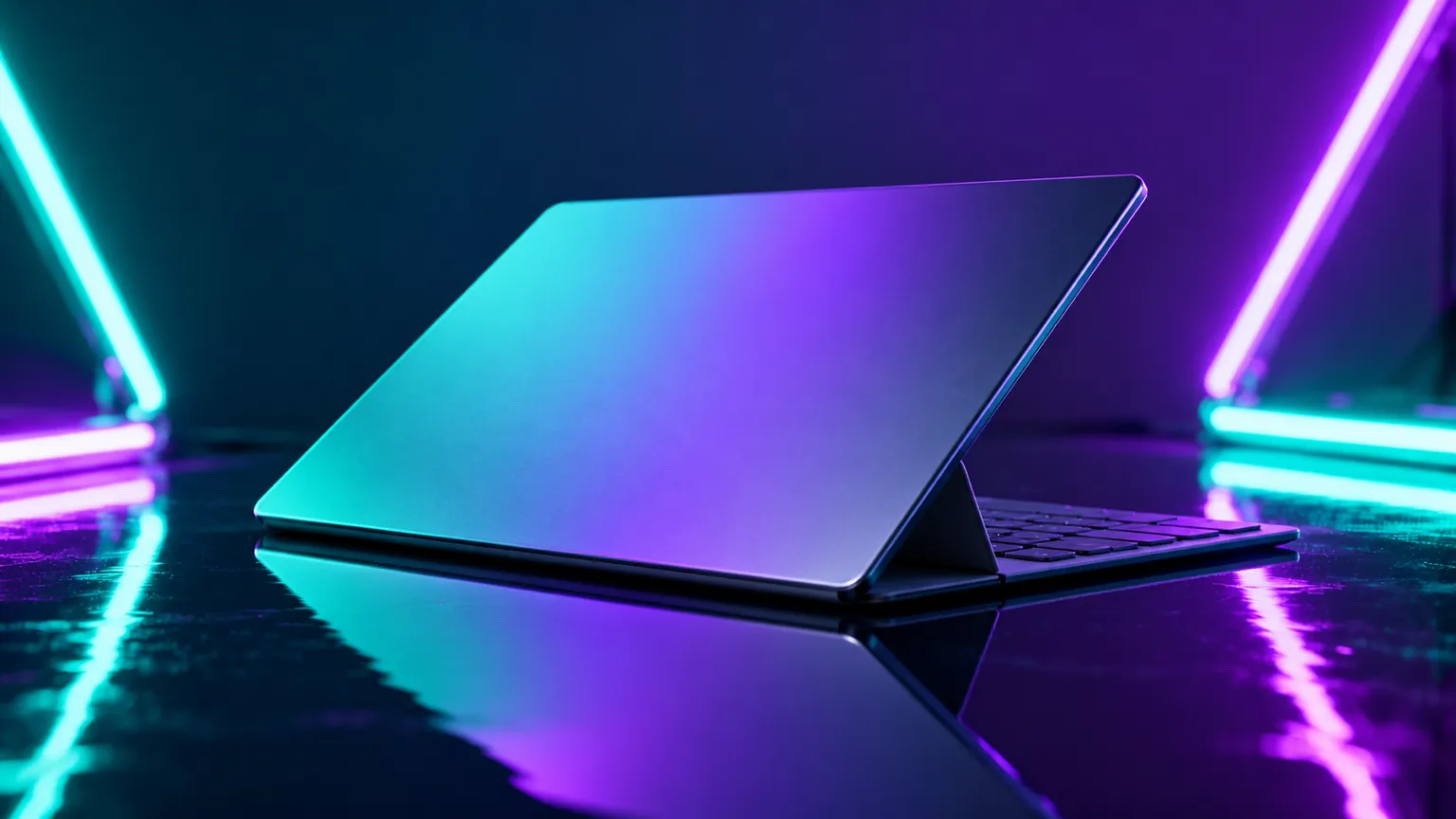
Idea · Product shots. “A thin open laptop set at a slight angle on a glossy, reflective table, lit by teal and violet neon tubes behind it for a sleek, high-tech feel. Let the light trace its slim edges.”
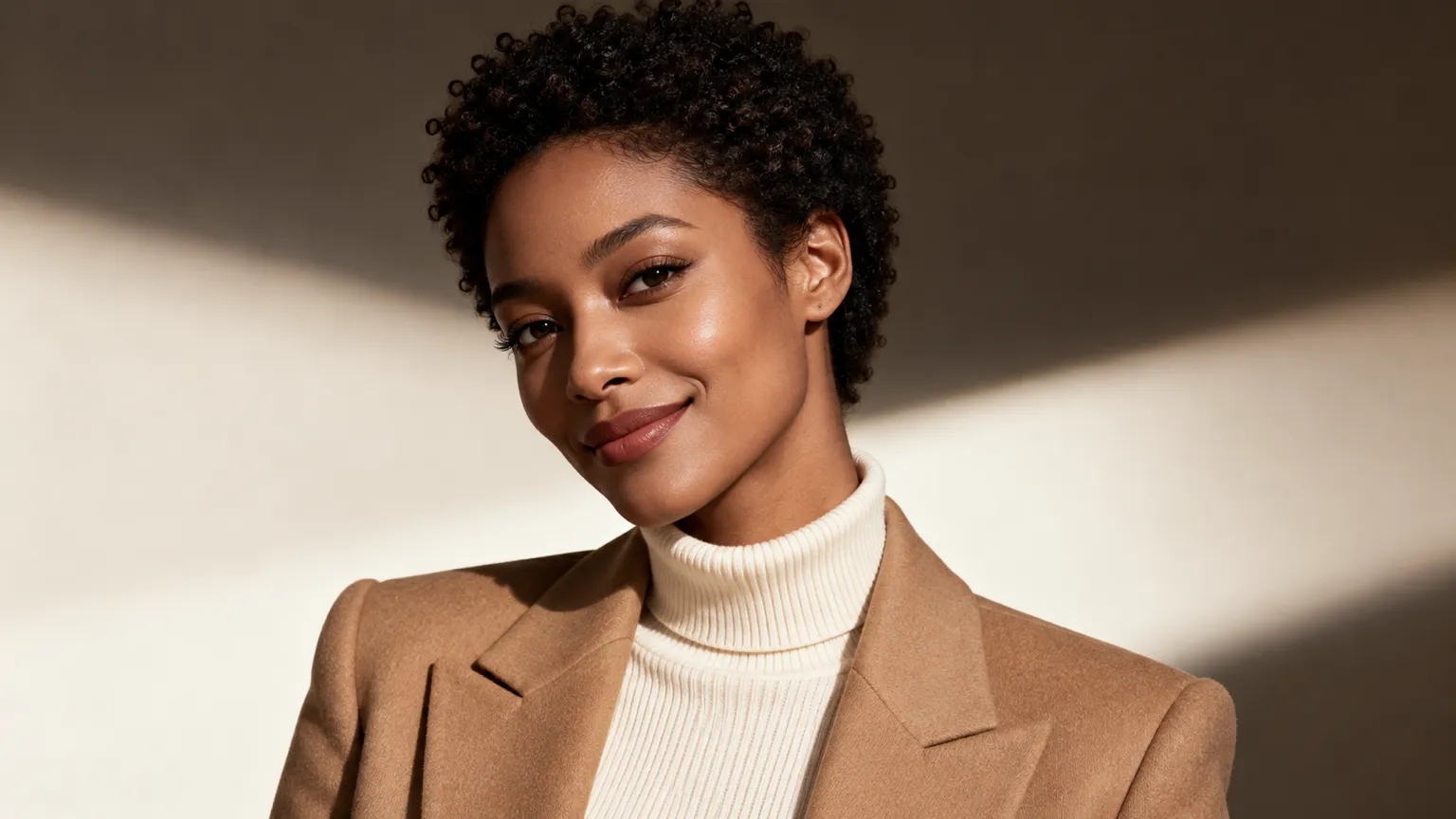
Idea · Brand portraits. “A confident woman with short natural curls, smiling, in a cream turtleneck and camel blazer, soft studio light on a plain warm backdrop, styled like a magazine cover.”
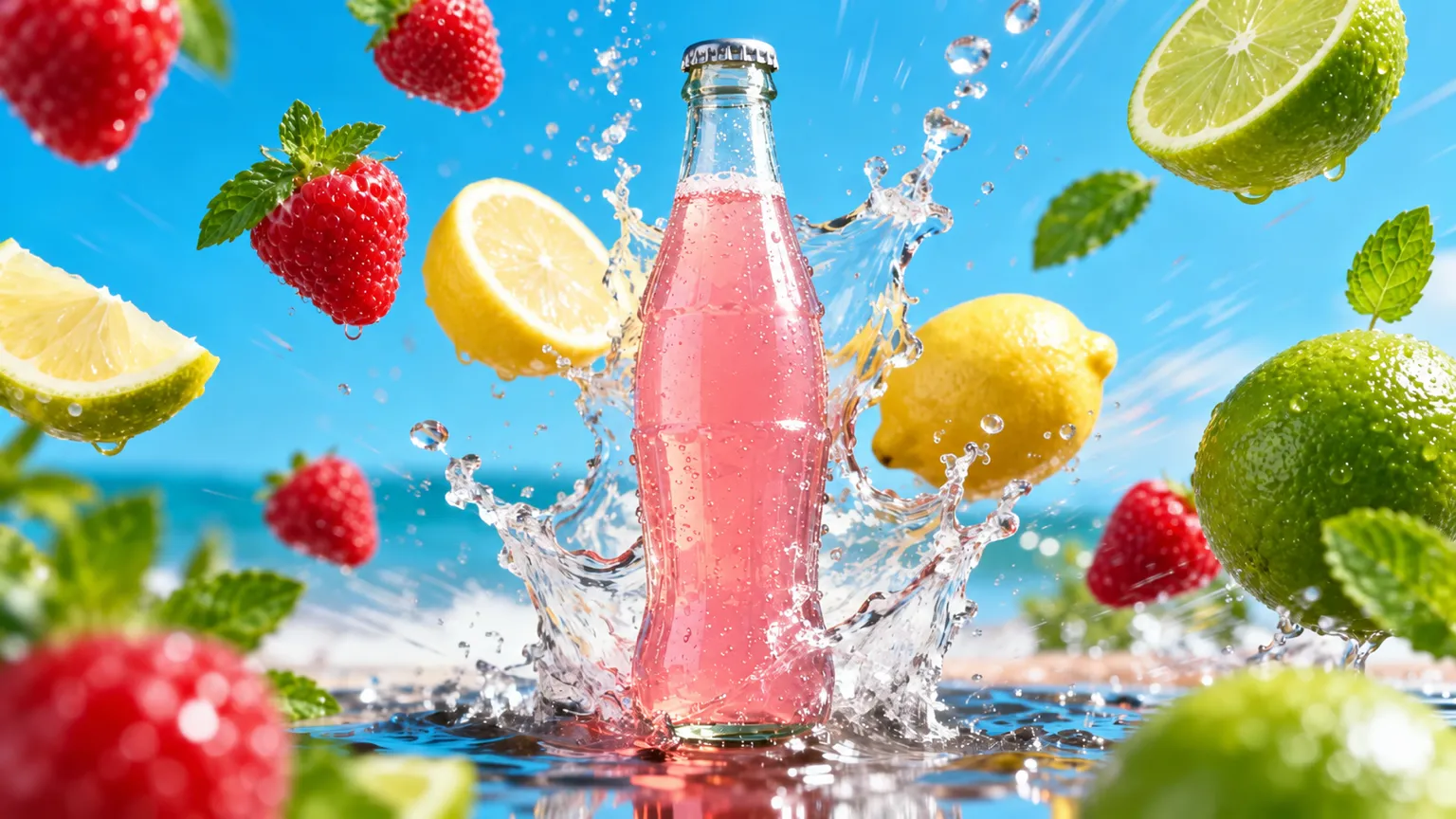
Idea · Ads and promos. “A clear glass bottle of pink lemonade bursting up from a splash of water, with strawberries, lemons and limes flying around it, bright beach and blue sky behind.”
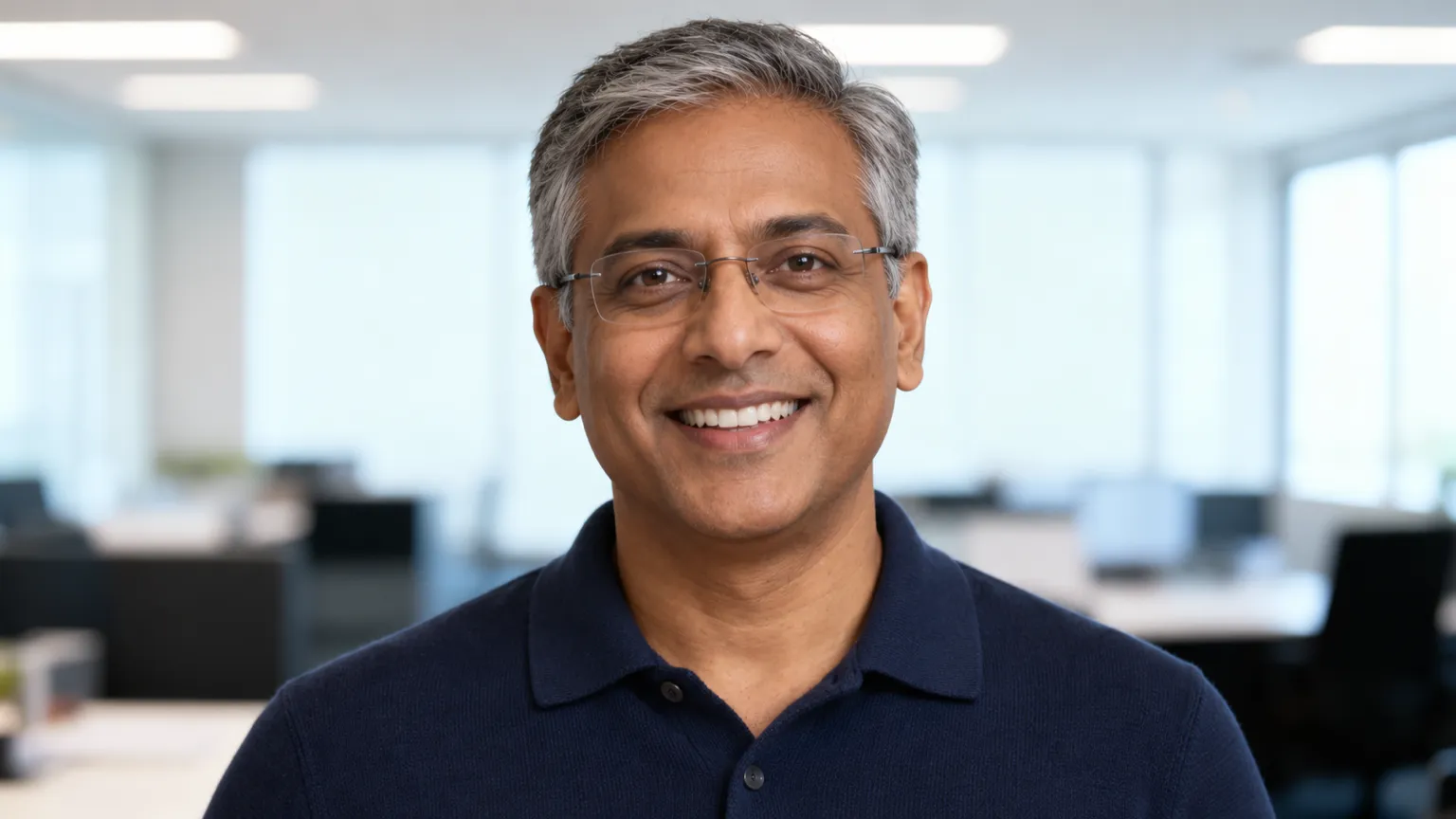
Idea · Team and profile photos. “A friendly man in his fifties with short grey hair and rimless glasses, wearing a navy knit polo, smiling at the camera in a bright open-plan office with soft daylight.”
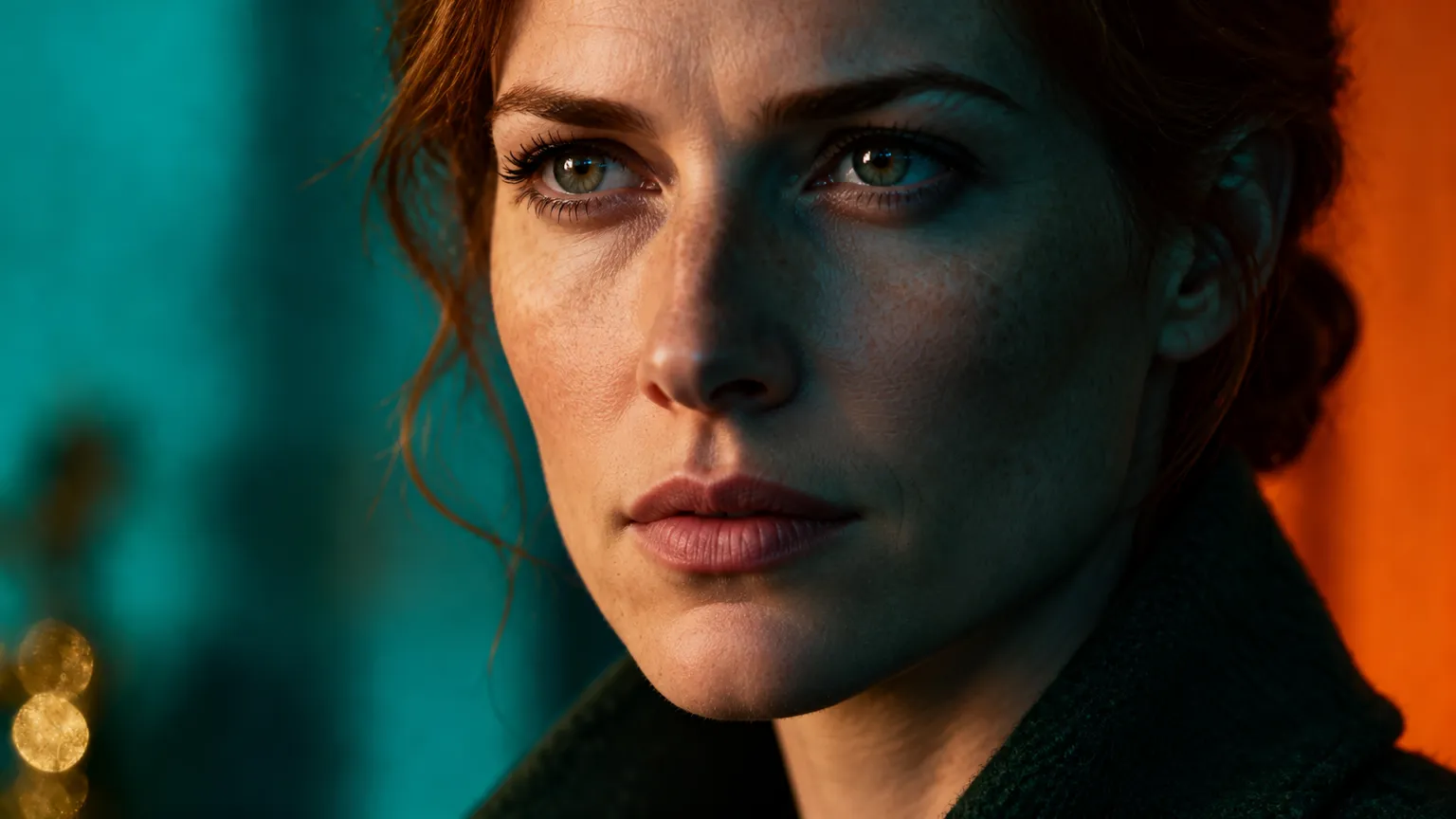
Idea · Film looks. “A close-up of a woman with auburn hair in a low bun and a dark green wool coat, collar up, lit with moody teal and orange light like a still from a thriller.”
Frequently asked questions
Which image models does ChatUp offer?
OpenAI GPT Image 2, Gemini Nano Banana 2.1, Gemini Nano Banana 2 Lite, Gemini Nano Banana Pro, Grok Imagine and Nano Banana 2, and 32 more. The list follows the models ChatUp offers today.
How do credits work?
Each creation uses credits, and the cost depends on the model — from 10 credits here. Paid plans come with weekly credits, and the Generate button always shows the cost before you create.
See plansDo I need a plan?
Yes. Creating images in ChatUp needs a paid plan or purchased credits. You can browse every model and write a prompt before you choose one.
See plansCan I use the images commercially?
Under ChatUp’s Terms you keep the rights to what you create, including commercial use, as long as you follow the Terms and the law.
Read the TermsReady when you are
Pick a model, describe it, and see the cost on the Generate button before you create.
Open the Image studio