
Z-Image
Z-Image Turbo AI image generator
A very fast, low-cost model for quick photoreal images. Use Z-Image Turbo in ChatUp’s Image studio.
10 credits per image
- Maker
- Z-Image
- Makes
- Images
- Shapes
- 9:16, 16:9, 1:1, 4:3, 3:4, 3:2, 2:3 and 21:9
- Reference photos
- None
- Credits
- 10 credits per image
What Z-Image Turbo is good at
Pictures from a description
Write the subject, setting, light and style, and Z-Image Turbo turns it into an image. Change a word and run it again until it matches what you pictured.
8 shapes
Make it 9:16, 16:9, 1:1, 4:3, 3:4, 3:2, 2:3 and 21:9, so the picture fits a post, a story, a banner or a print.
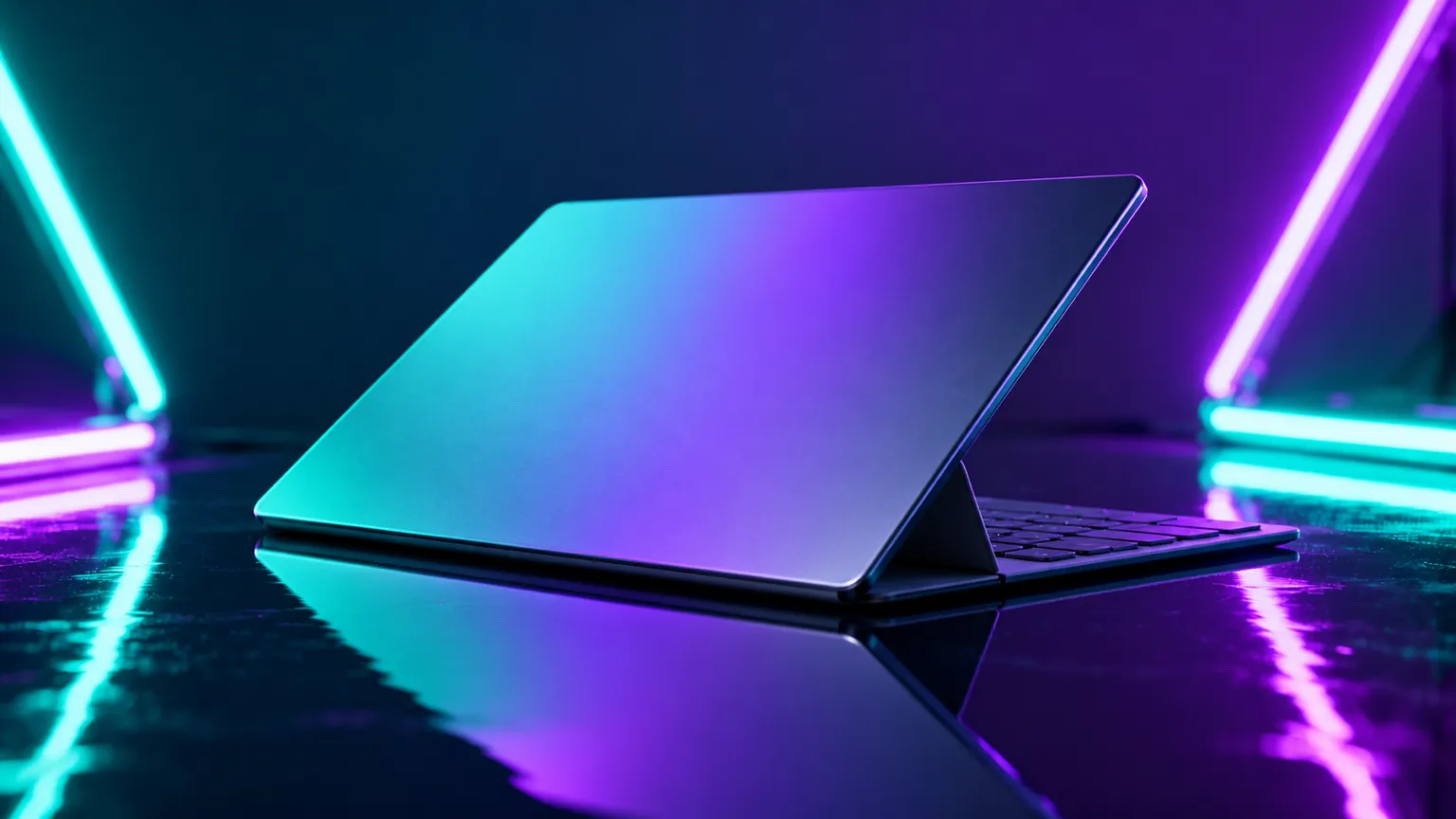
Example prompt · an idea to start from
Try a prompt like this
“A thin open laptop set at a slight angle on a glossy, reflective table, lit by teal and violet neon tubes behind it for a sleek, high-tech feel. Let the light trace its slim edges.”Write yours in Image
What it costs
Each Z-Image Turbo image uses 10 credits. The Generate button shows the exact cost before you create.
Credits come with every paid plan and refill weekly. Compare plans.
Z-Image Turbo FAQ
What is Z-Image Turbo?
A very fast, low-cost model for quick photoreal images. It is one of the image models you can choose in ChatUp’s Image studio.
How many credits does Z-Image Turbo use?
Each Z-Image Turbo image uses 10 credits. The Generate button shows the exact cost before you create.
Can Z-Image Turbo use my own photos?
No. In ChatUp this model works from your description alone.
Which shapes can Z-Image Turbo make?
8 in ChatUp: 9:16, 16:9, 1:1, 4:3, 3:4, 3:2, 2:3 and 21:9.
Do I need a plan to use Z-Image Turbo?
Yes. Making images in ChatUp needs a paid plan or purchased credits. Each plan comes with weekly credits, and every creation shows its cost before you start.
See plansCan I use the images commercially?
Under ChatUp’s Terms you keep the rights to what you create, including commercial use, as long as you follow the Terms and the law.
Read the TermsMore image models
See all- GPT ImageNewOpenAI GPT Image 270 credits per image
- Nano BananaNewGemini Nano Banana 2.190 credits per image
- Nano BananaNewGemini Nano Banana 2 Lite45 credits per image
- Nano BananaGemini Nano Banana Pro180 credits per image
- Grok ImagineNewGrok Imagine65 credits per image
- Nano BananaNewNano Banana 2105 credits per image
Start creating with Z-Image Turbo
Open the studio with this model selected. The Generate button shows the cost before you create.
Create with Z-Image Turbo