
Need an idea? Start from one of these
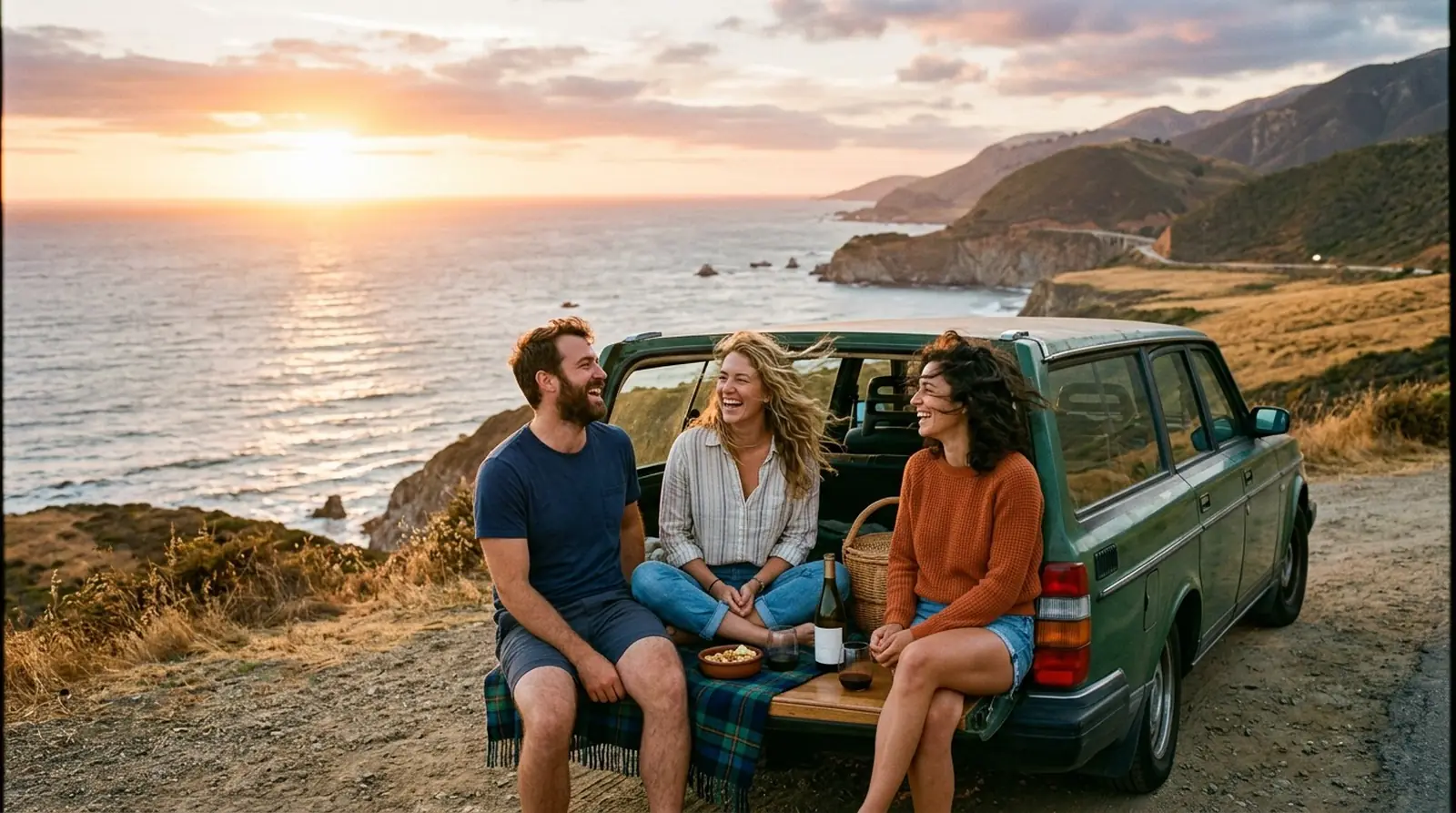
Some photos already have a soundtrack in your head. A photo-to-song generator turns the picture itself into the starting point: ChatUp looks at what is in it and writes a song inspired by the scene.
Photo songs are made on the Music tab after you sign in. Add the photo there, then leave the description empty and let the picture lead, or add a sentence about the moment so the lyrics know who is in it and why it matters. The photo is used as the song’s cover art. The box at the top of this page makes a song from words only.
Ideas to start from
Song from a pet photo
“A funny song inspired by a photo of my cat asleep inside a cardboard box that is clearly too small for her”
- With vocals
- Pop
- Funny lyrics
Song from a city photo
“A moody song inspired by a night photo of a rainy street, neon signs reflected in the puddles”
- With vocals
- R&B
- Lyrics written for you
Instrumental from a landscape
“Instrumental music inspired by a photo of mountains at sunrise, mist in the valley, completely still”
- Instrumental
- Classical
How it works
Sign in and open Music
Photo songs are made on the Music tab of your ChatUp workspace. The box on this page makes a song from words only.
Add the photo
Pick a picture or drop it in. One photo per song.
Add a line about it (optional)
Who is in it, where it was, what happened just after. The picture shows the scene; the words give it a story.
Create, play, keep
The finished song plays with your photo as its cover, and downloads as an MP3.
Photos that make good songs
Pictures with a clear mood work best: a celebration, a quiet landscape, a pet doing something ridiculous, a city at night. A busy group shot works too, but the description matters more there, because the picture alone cannot say whose birthday it is.
Ideas for photo songs
A few that tend to land well:
- A wedding or anniversary photo, turned into a song for the couple.
- The first photo of a new baby or a new puppy.
- A holiday snapshot as a souvenir you can listen to.
- An old family photo, with a line about who is in it.
Frequently asked questions
- Can I make a song from a picture?
- Yes. Sign in, open the Music tab and add your photo there, and ChatUp makes a song inspired by it. The photo becomes the song’s first cover. The box on this page makes a song from words only, so a description typed here is not added to a photo song.
- Do I have to write a description too?
- No. On the Music tab, a photo on its own is enough. Adding a sentence about the moment there usually gives you more personal lyrics.
- Which photos can I use?
- Use photos you have the right to use and that follow ChatUp’s Terms. JPEG, PNG, WebP and HEIC photos all work.
- Can the song be instrumental?
- Yes. Choose Instrumental for music inspired by the photo with no singing.