
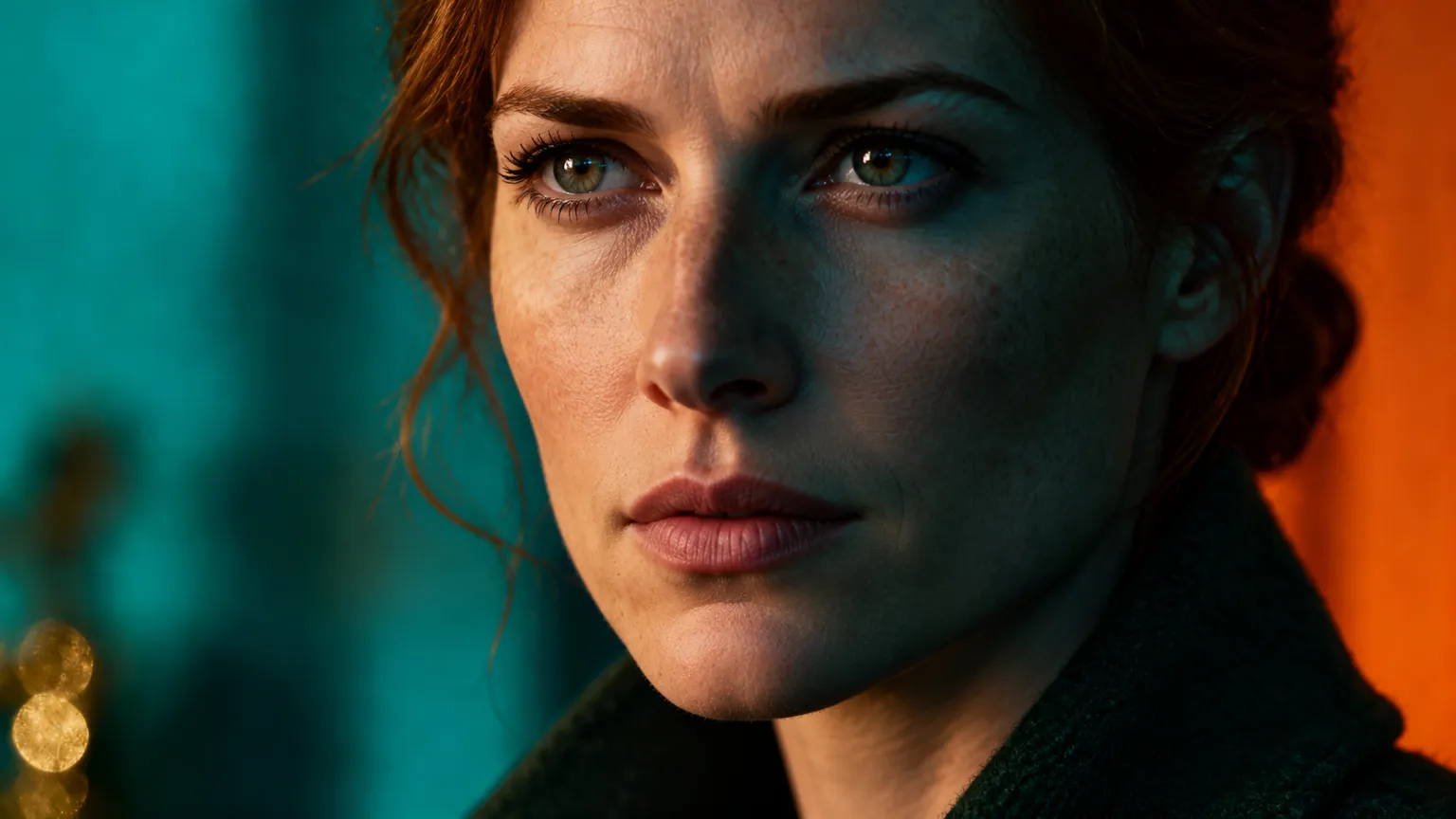
Sample image
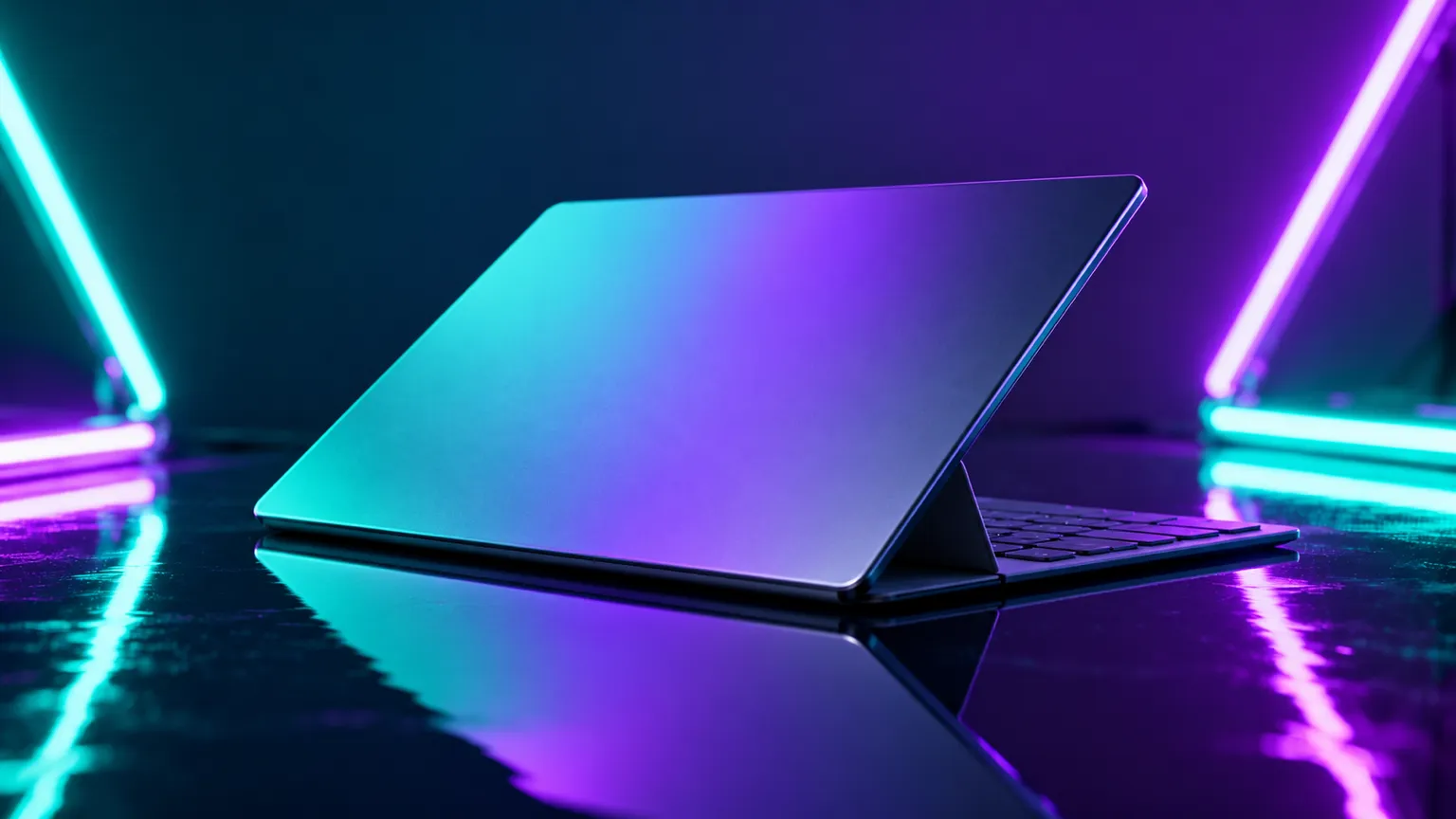
AI Image Generator: Make anything from words, or restyle a photo
- Text to image — Write what you picture and get a photo, an illustration or styled artwork.
- Image to image — Add a photo and keep its layout while changing the style, light or mood.
- Reference images — Steer the result with your own photos so the look, pose and colors stay consistent.
AI Image Editor: Change a picture by describing the edit
- Restore and colorize — Ask for scratches to be cleaned up and natural color brought back to black-and-white shots.
- New background — Keep your subject and describe the scene you want behind it instead.
- Remove or add objects — Say what should disappear, or what should appear in its place.
- Change the style — Turn a photo into a painting, a sketch or a cartoon while keeping it recognizable.
What you can make with ChatUp’s image tools
Everyday jobs, done quickly.
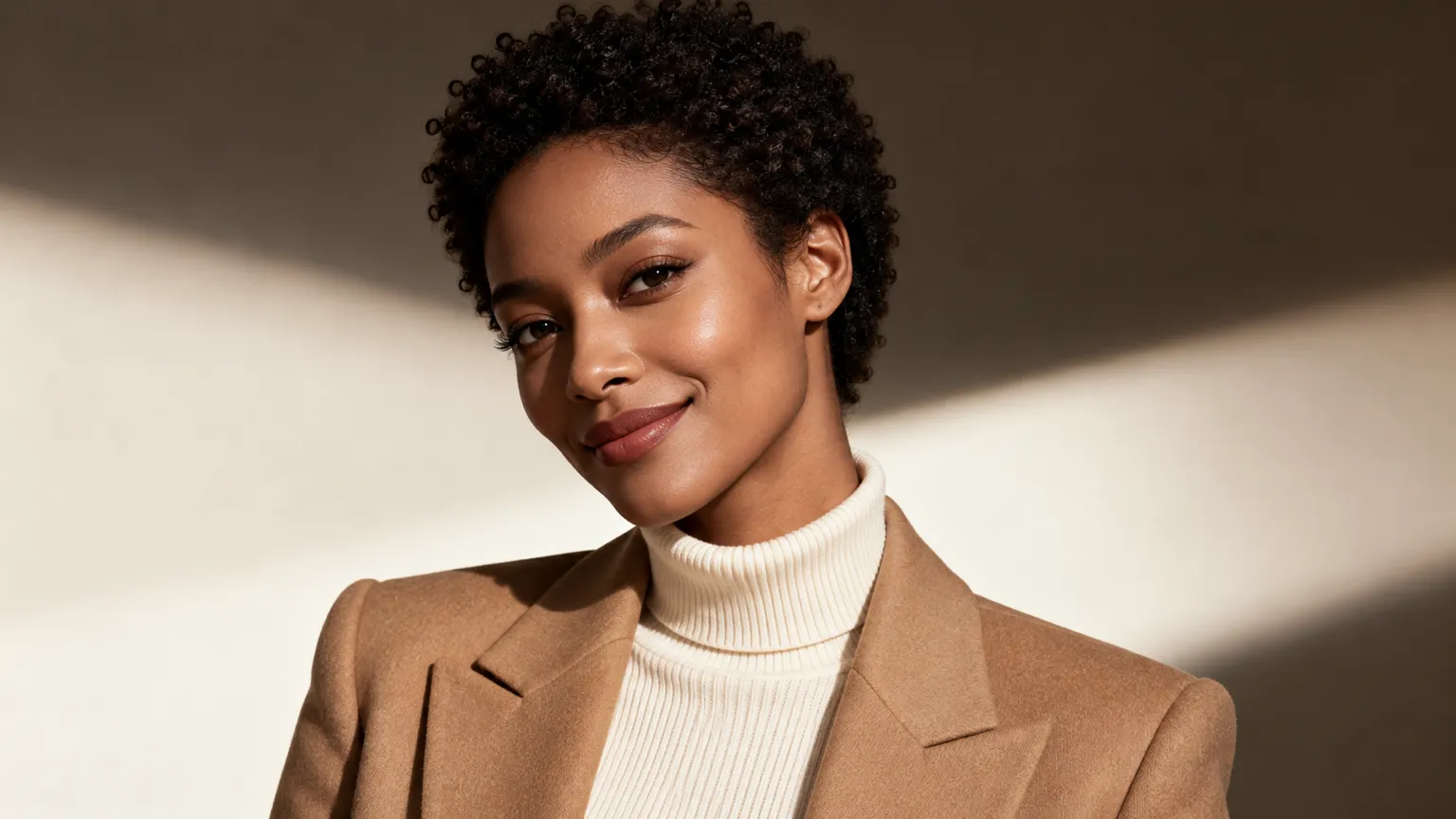
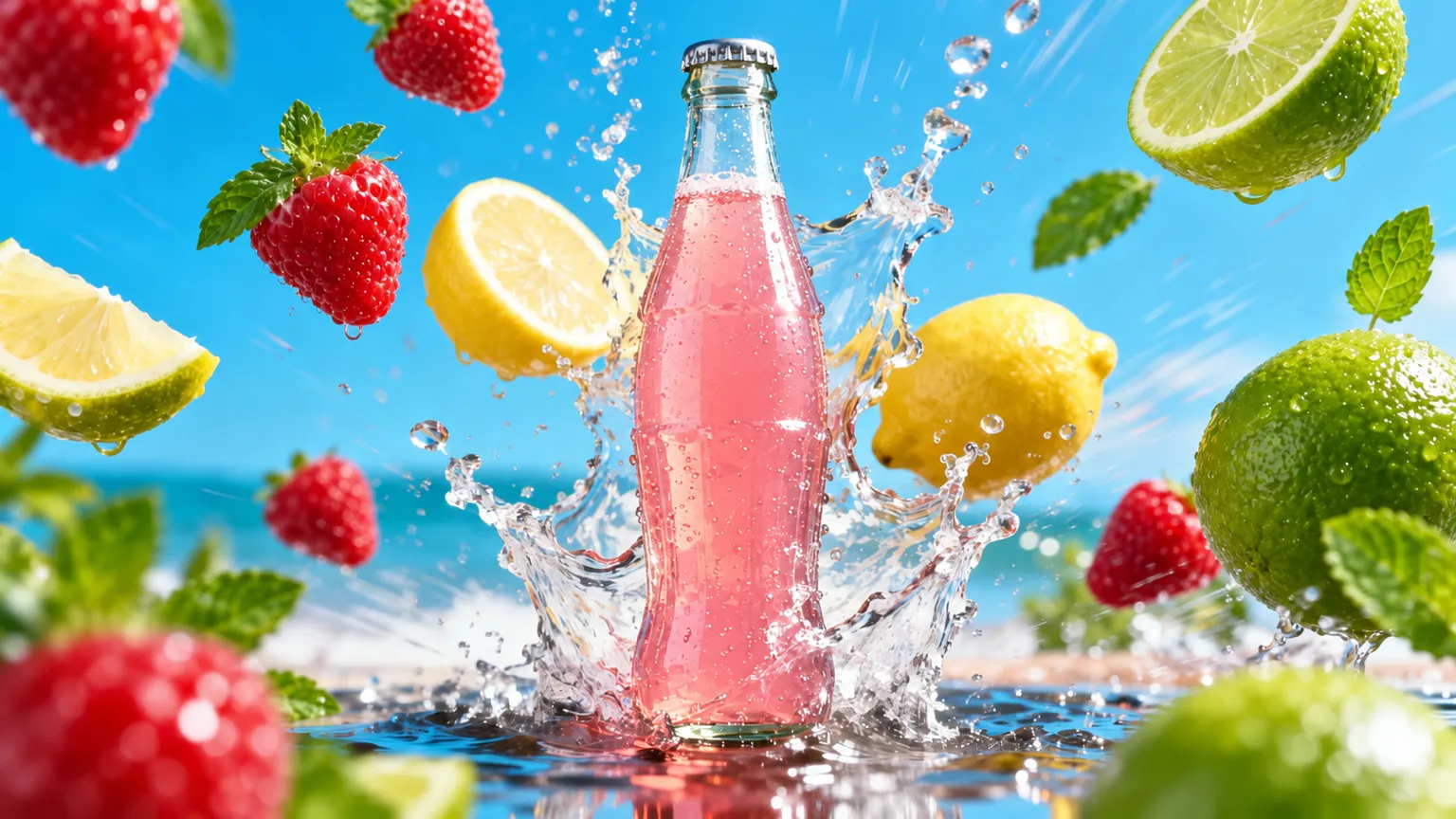
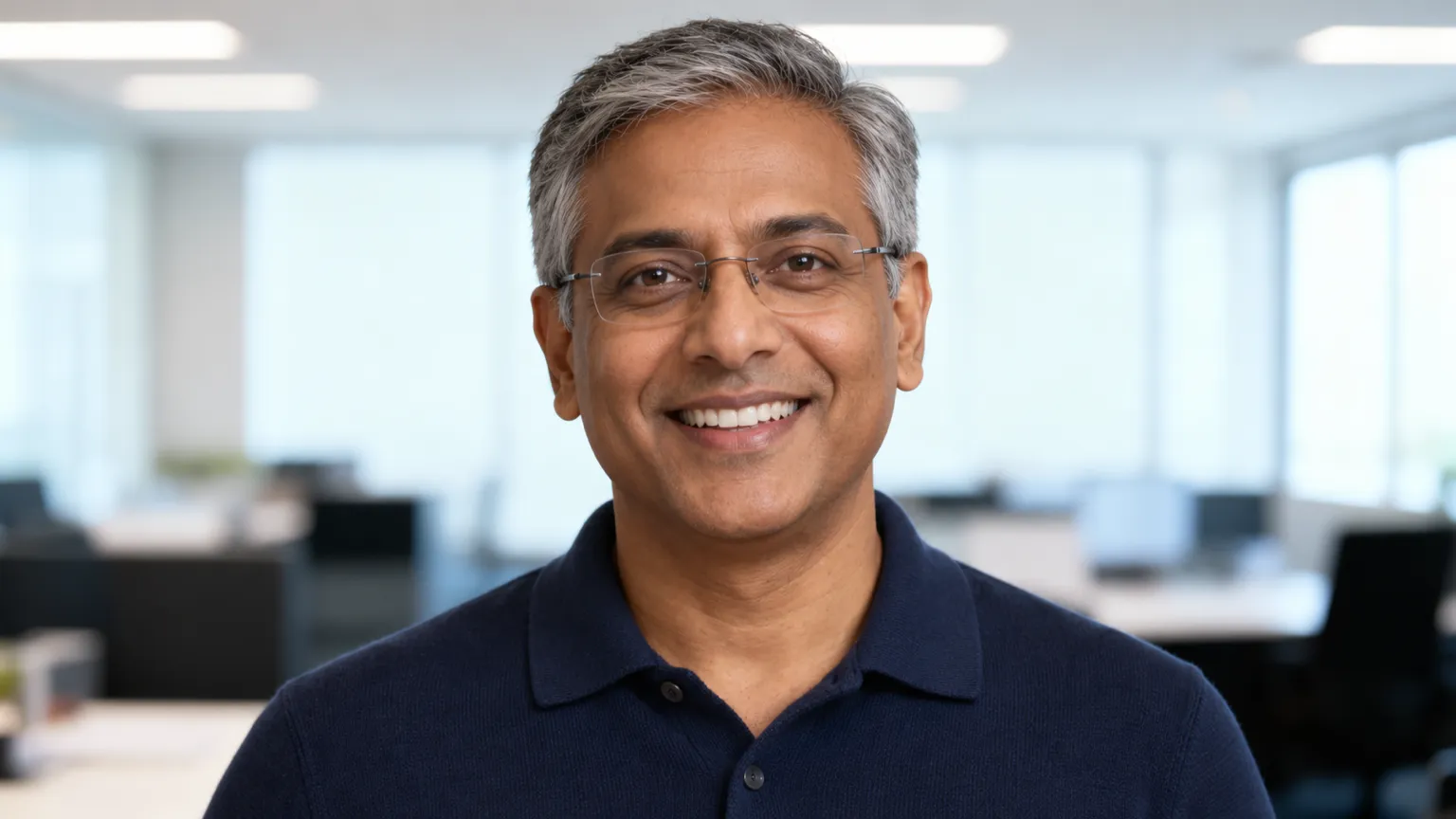
Why make images with ChatUp
- One place — Create, guide with photos and edit without leaving ChatUp.
- Model choice — Pick from the image models ChatUp offers to suit what you’re making.
- Quick drafts — Get a first version fast, then adjust the prompt until it’s right.
Start Creating in 3 Steps
Step 1
Describe it or add your photos
Step 2
Choose an image model
Step 3
Create, then save or try again
FAQ
Do I need a plan to make images?
Yes. Making images is part of a paid ChatUp plan. Plans show their limits before you choose one. See plans.
Can I use the images commercially?
Under ChatUp’s Terms you keep the rights to what you create, including commercial use, as long as you follow the Terms and the law. Read the Terms.
Can I use reference images and edit photos?
Yes. Add photos to guide a new image, or describe the change you want, such as a new background, an object removed or a different style.
Which models can I choose?
The image tool lists the models ChatUp offers right now, and you can switch between them before you create.
What sizes and shapes can I get?
It depends on the model. You can ask for a shape in your description, such as square, tall or wide.
How long does an image take?
Usually a short wait. Detailed requests, larger images and edits with several photos can take longer.