
Sample video frame
Bring a Photo to Life in One Step
Add a photo and ChatUp turns the still picture into a moving clip. There’s no editing to learn: pick your photo, say what should happen, and watch it move with smooth, natural motion.
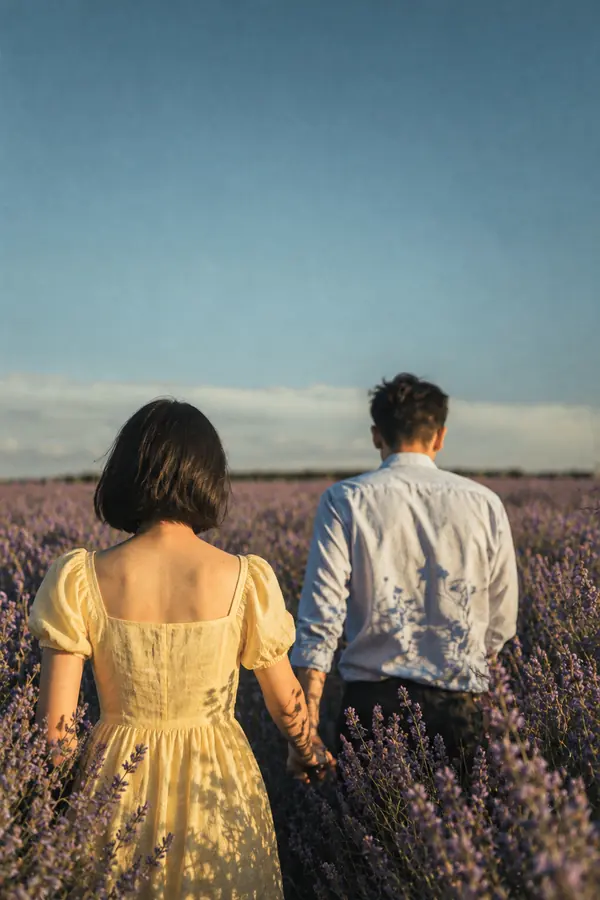
Prompt
The couple walks hand in hand through the flowers as the evening light glows.
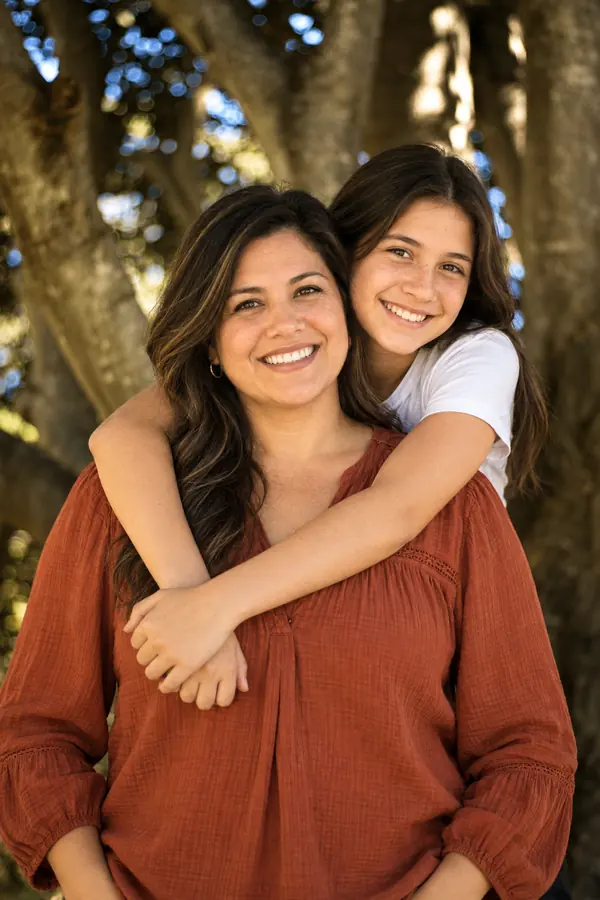
Prompt
They laugh and sway a little as a breeze moves through the leaves.
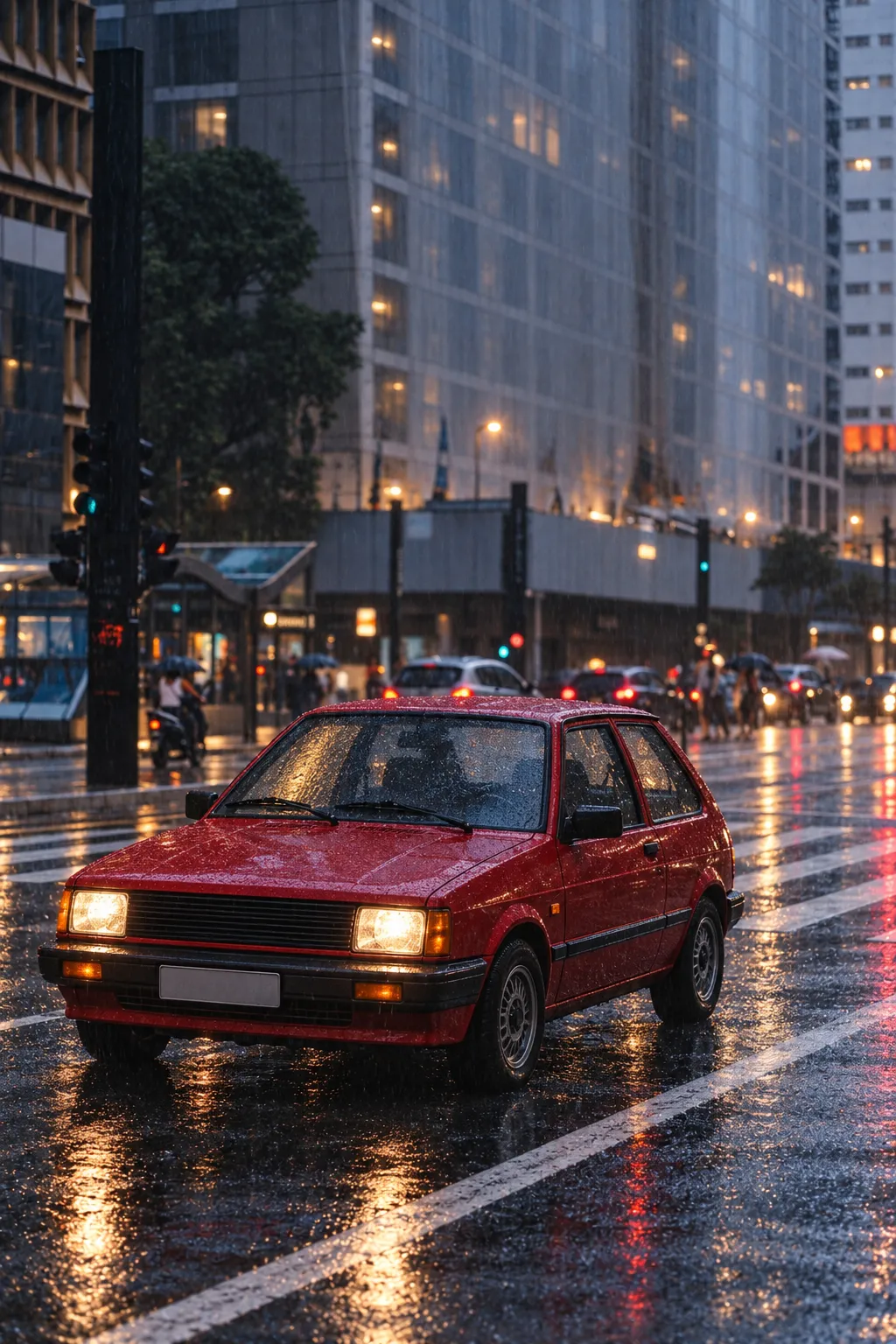
Prompt
The car speeds away down the wet street while the city lights streak past.
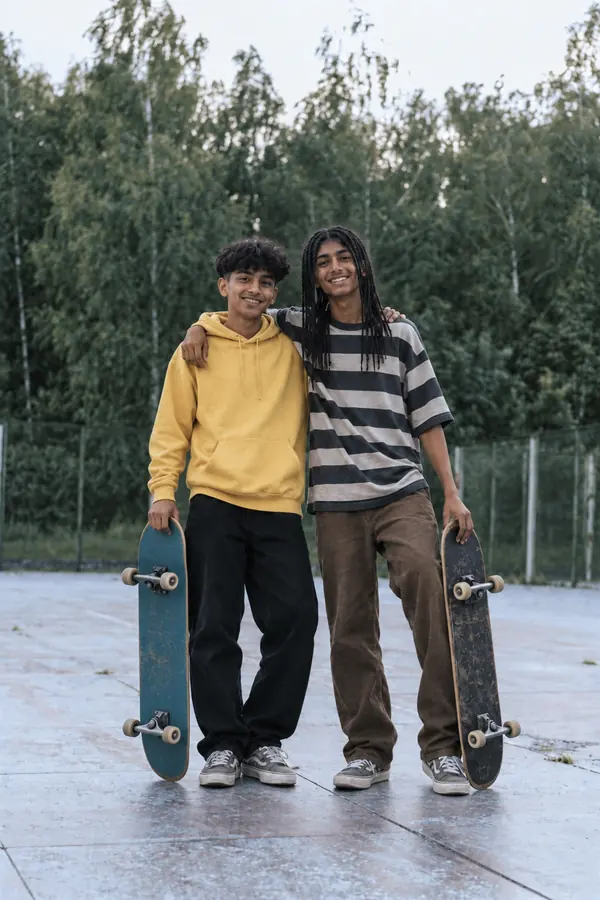
Prompt
The two friends high-five, then pull each other into a quick hug.
Turn Any Photo into a Video
Whatever is in your photo, a portrait, a landscape or a product, ChatUp can turn it into a short video. Make clips from the pictures you love in just a few steps.
Turn a photo into a video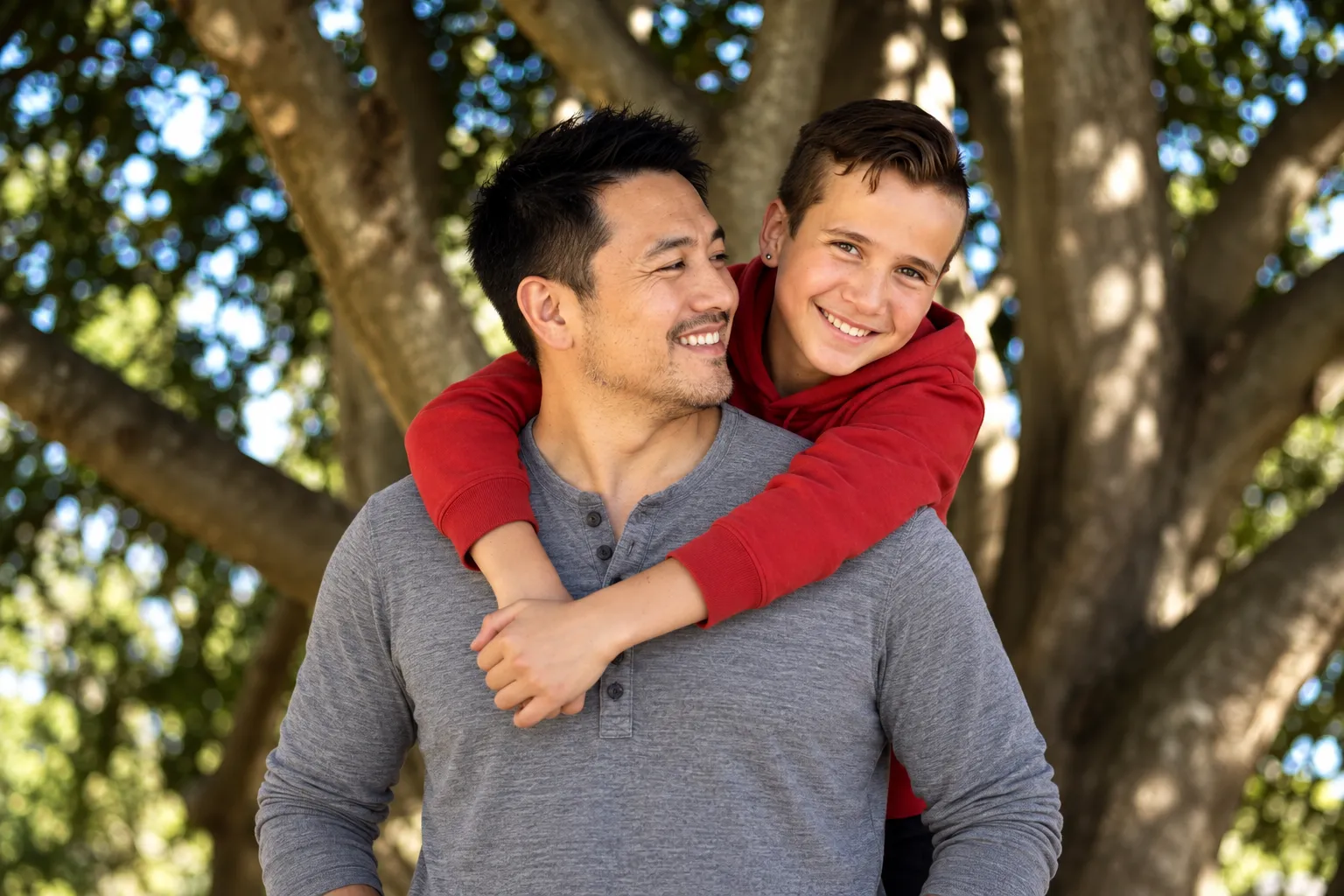
Clips That Look Good Anywhere
Make videos that look sharp on a phone and still hold up on a bigger screen. Motion and transitions are kept smooth so every second feels clean.
Turn a photo into a videoHow to Use the Image to Video Generator
Making a video from a photo takes a few simple steps, and anyone can do it.
- Step 1
Add your photos
Start with one photo or a few: a product shot, artwork, an event picture or anything that would look good moving.
- Step 2
Describe the motion
Say what should happen, such as a slow zoom, a pan across the scene, or people waving, walking or hugging.
- Step 3
Check the result
Watch the finished clip in your history. If it isn’t quite right, change the description and make another.
- Step 4
Download and share
When you’re happy with it, download the video or share it to social media and anywhere else.
FAQ
What kind of images can I turn into a video?
Most photos work, from product shots and promo graphics to personal photos and illustrations. Photos must follow ChatUp’s content rules.
How long does it take to make a video?
A video takes a few minutes. You can leave the tool while it renders; the clip appears in your history when it’s ready.
Can I choose how it moves?
Yes. Describe the motion you want in your own words, or use Animate Photo in ChatUp to pick a ready-made effect.
Is there a limit on how many photos I can use?
Each video can start from one photo or a few. The tool shows the current limit when you add them.
Turn Your Photos into Videos with AI
Start making videos from your pictures today. Quick, simple and in your own words.
Get started