
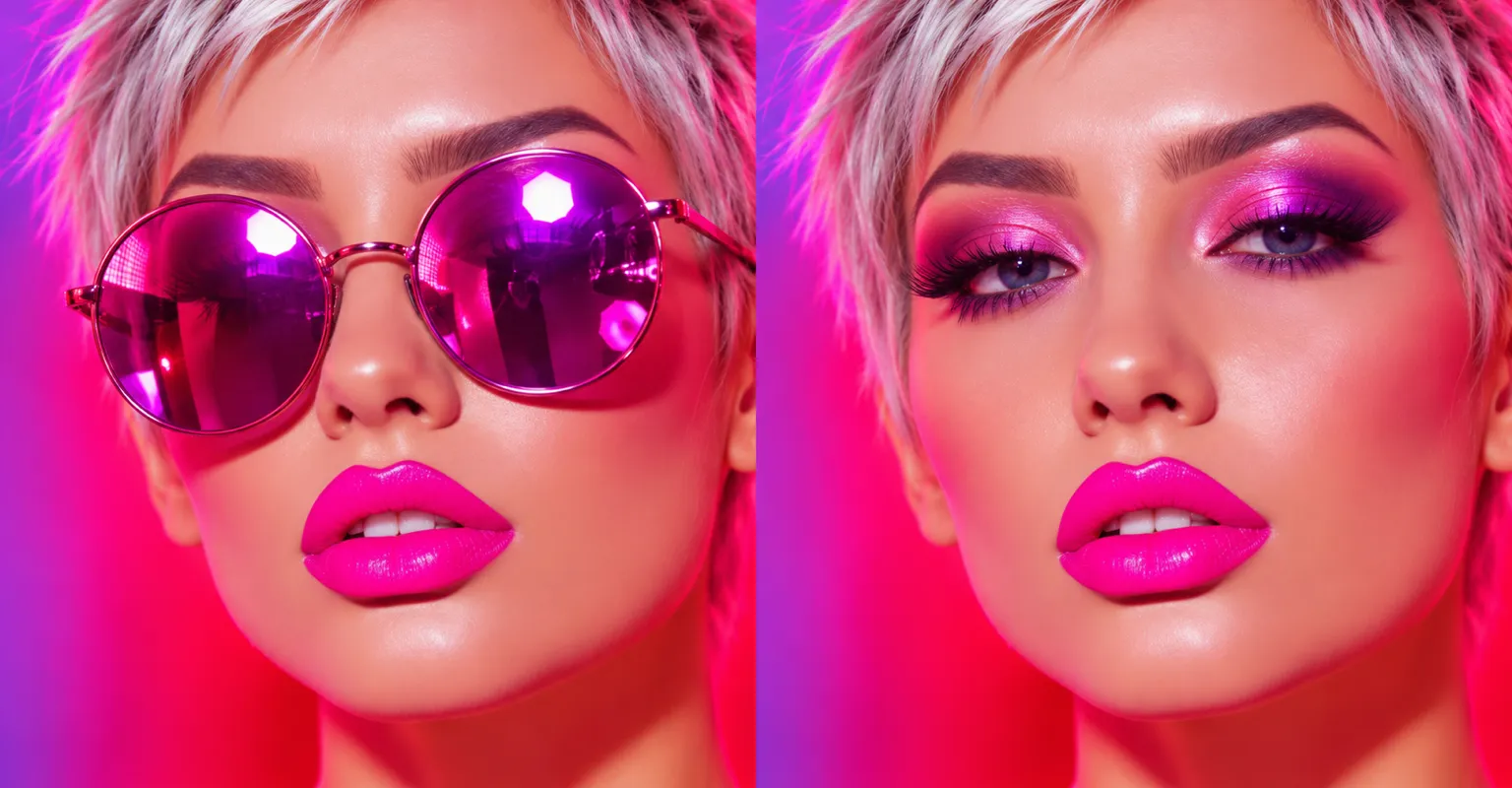
Remove or swap anything
Take out distractions such as cables, strangers or stray objects, or put something new in. Say what you want there, a sky, a prop or a plant, and get a result that fits the scene.
One AI photo editor for everyday fixes: new backgrounds, objects removed or added, portrait touch-ups, restored old prints and more.
Sample edit
Take out distractions such as cables, strangers or stray objects, or put something new in. Say what you want there, a sky, a prop or a plant, and get a result that fits the scene.
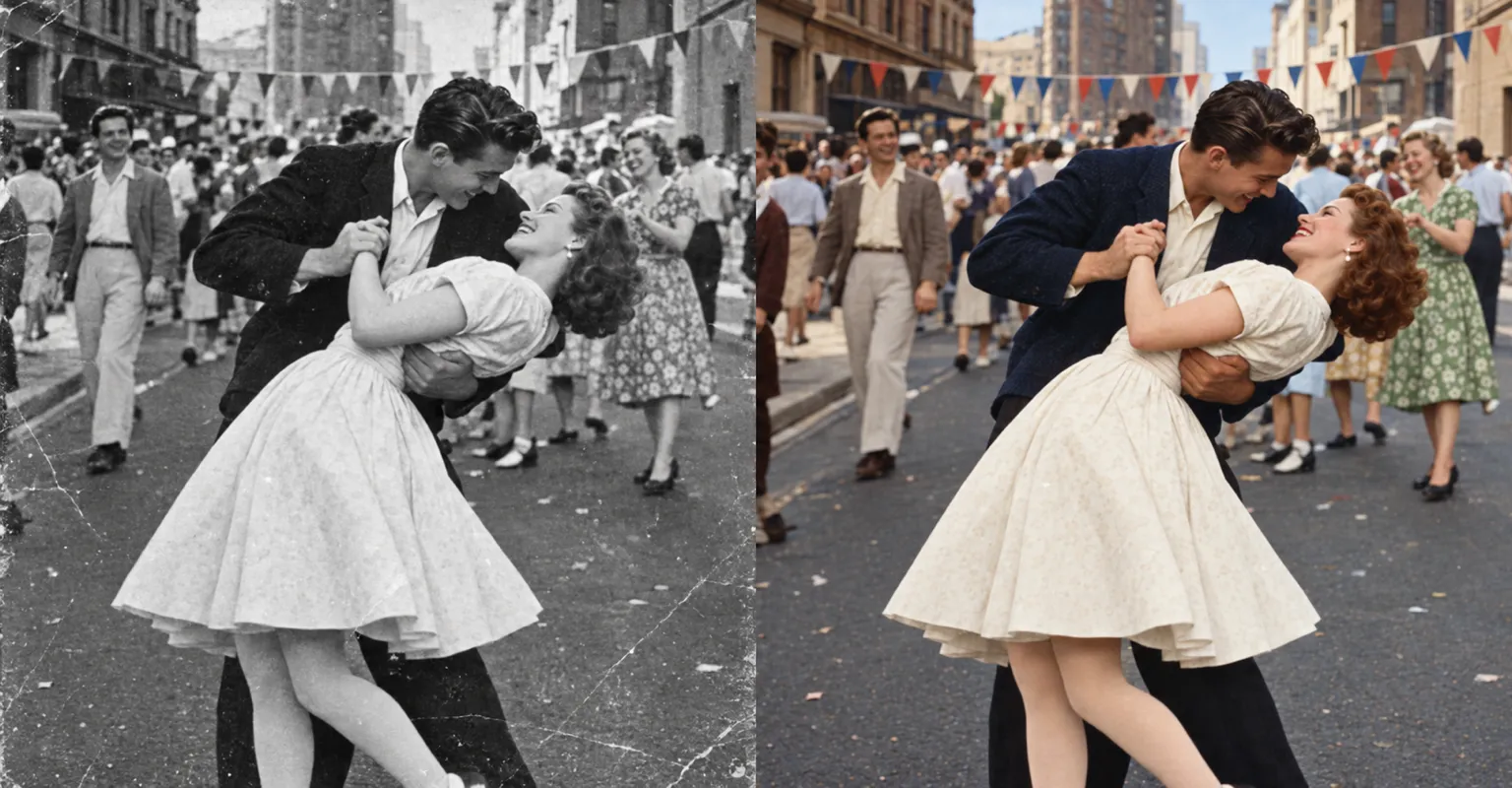
Ask for scratches and fading to be repaired and for color to be added, so old prints are ready for a reunion or a family album.
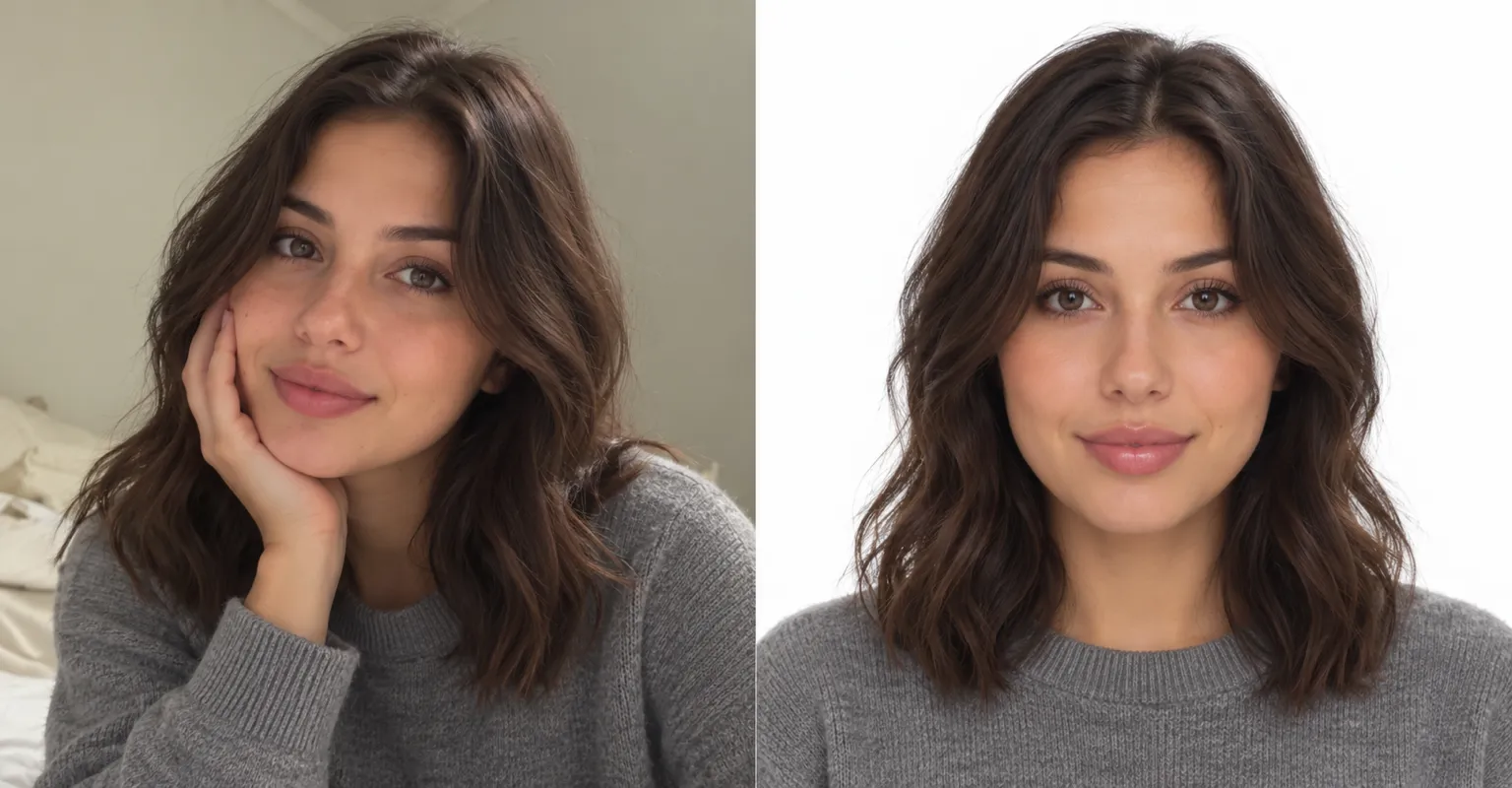
Turn a casual shot into a neat headshot with a tidy background and a light touch-up, so your profile photo looks current and natural.
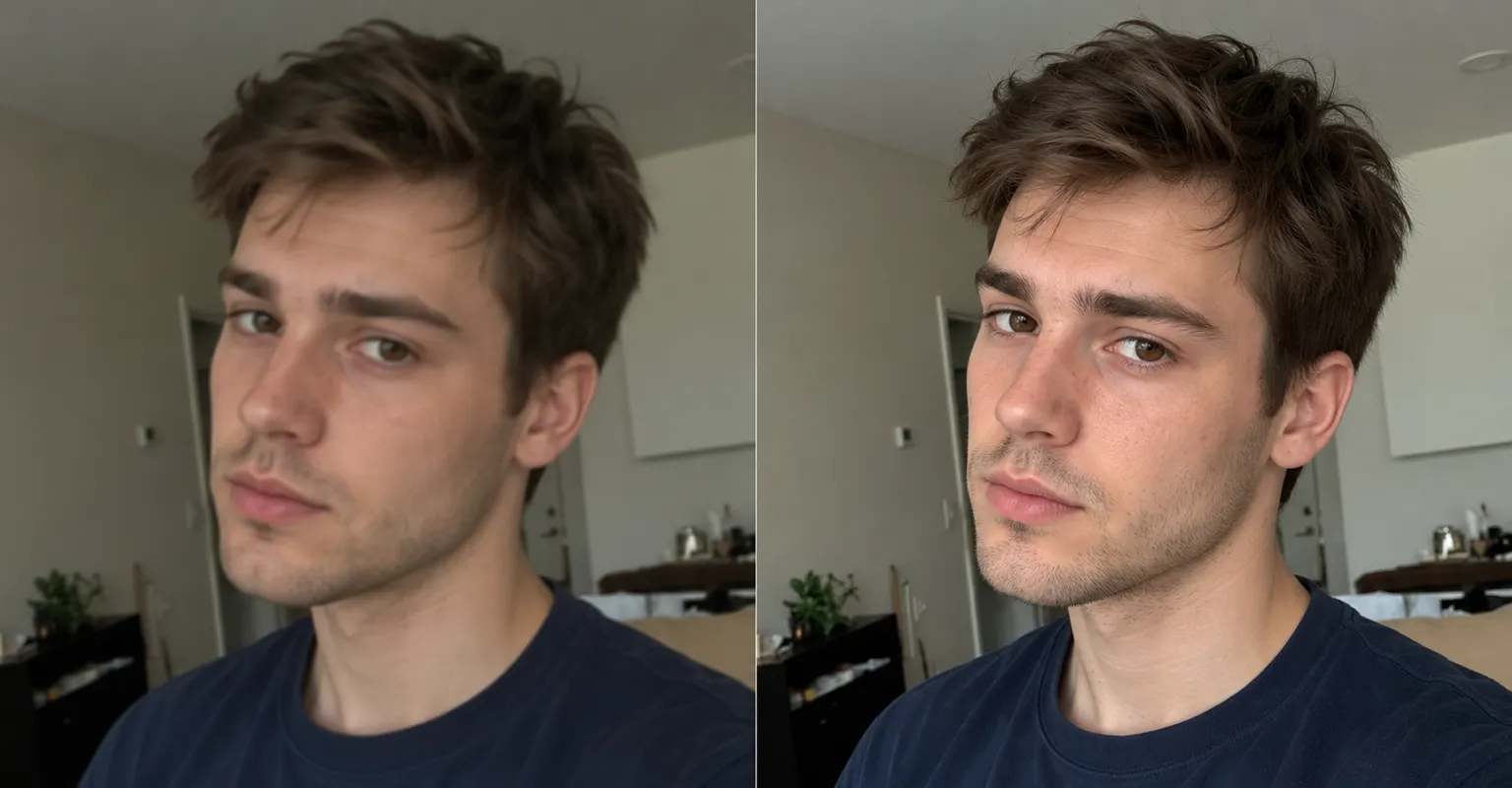
Clean up trip, party and pet photos so the colors look right and small distractions disappear, with no editing skills needed.
Ask for an empty area to be filled or the scene widened, with new content that blends into the photo.
Turn a description into a new picture, or turn a photo into another style without drawing anything.
Name what you don’t want in the shot and ask for it to be taken out for a cleaner picture.
Ask for softer skin, brighter eyes or tidier hair while keeping the face looking like you.
Add your photo. For a matching look across several pictures, add another photo as a reference.
Describe the edit: a new background, something removed or added, a touch-up or a color and light fix.
Save the edited photo.
Background changes, removing or adding objects, portrait touch-ups, color and light fixes, restoring old photos and changing the style.
Edits are made to match the photo’s light and perspective, so changes blend in. If one doesn’t, try again with a more specific description.
Give a few concrete details, such as the subject, color, size, position, light and style. Keep each sentence short and about one change.
Narrow it down in your words: “background only”, “keep the subject the same”, “don’t change the face”. Small, single changes work best.
Add amounts (one, small, tiny), positions (top left, front right corner) and materials (matte metal, glossy ceramic), then try again with one change at a time.
Say what you want removed, replaced, extended or relit, and ChatUp makes the change.
Try it now