Shop listings
Even, uncluttered shots that show the product clearly.
Describe the setting, the light and the mood, or add photos of your product, and ChatUp’s image generator makes studio-style shots for your shop and ads.
Sample image
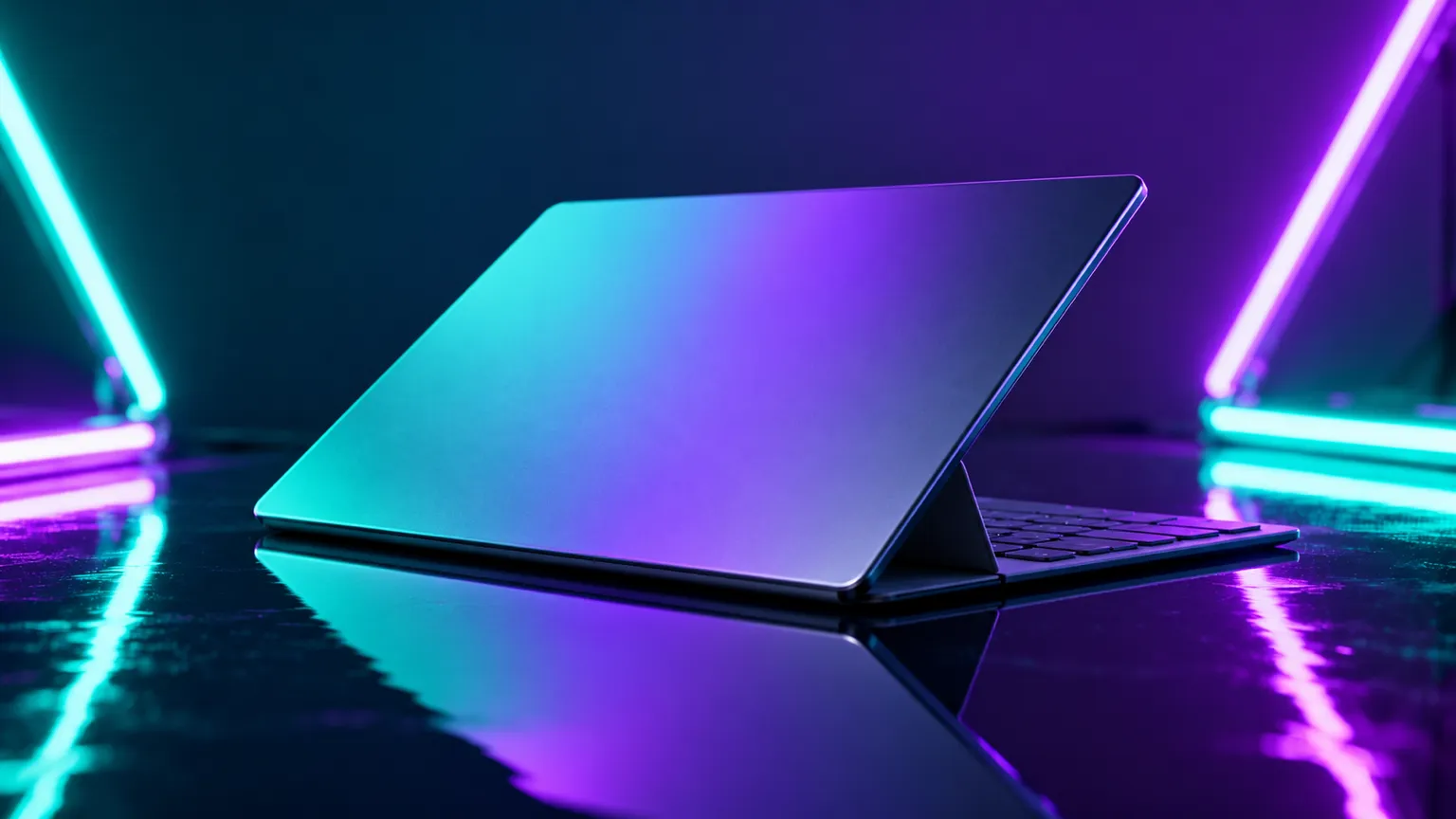
Clean studio light, bold color or a lifestyle setting, described in a sentence.
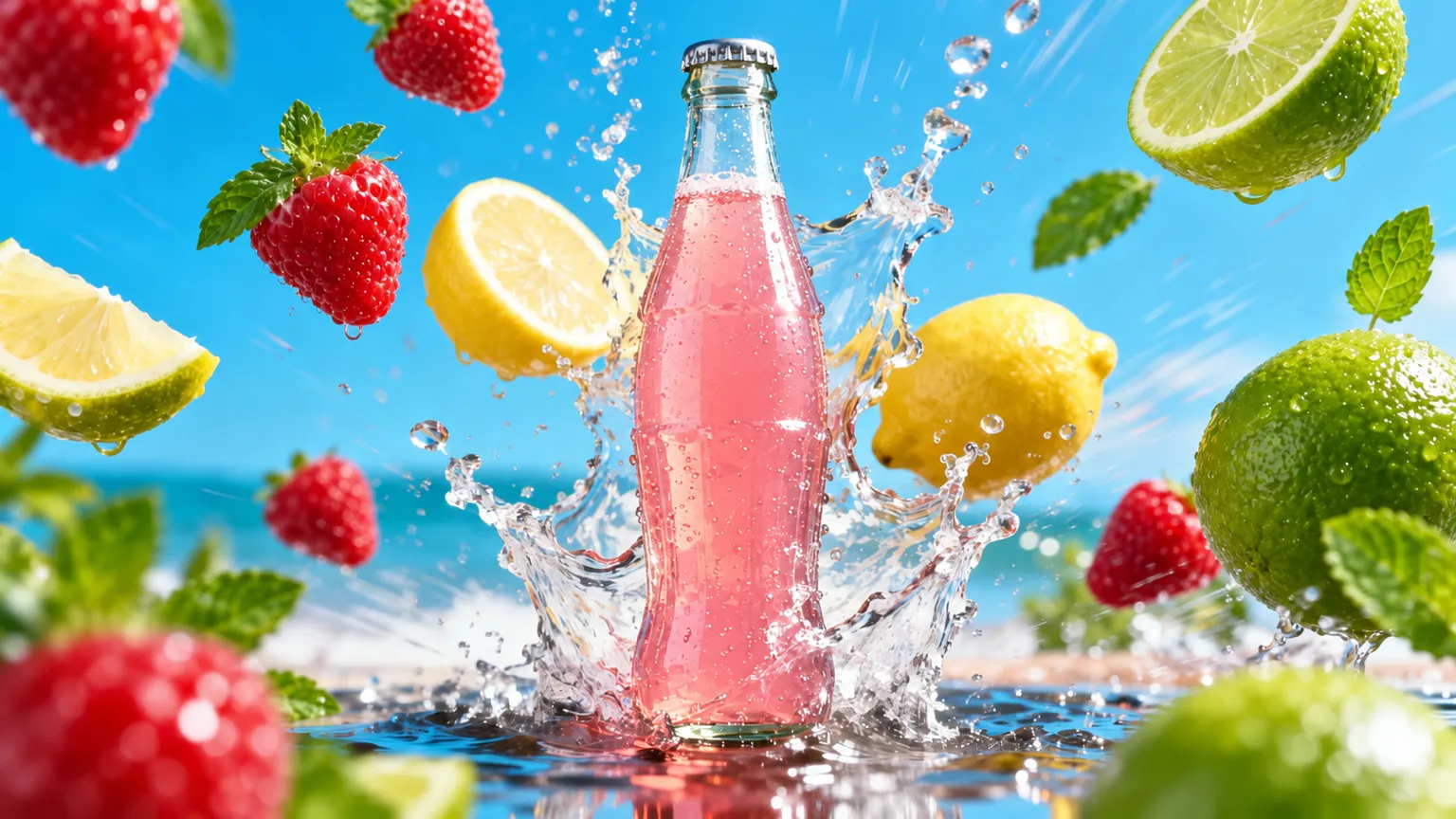
Even, uncluttered shots that show the product clearly.
Your product in a kitchen, an office, a bathroom shelf or outdoors.
Eye-catching set-ups with splashes, color and drama for paid posts.
Add up to 3 photos of it as references so the result keeps its shape and label.
In the AI Image Generator, add photos of the product, or describe it.
Name the surface, background, light and mood, and pick a shape for where it’ll go.
Make a few versions and keep the strongest.
Add clear photos of it as references and ask for the product to stay unchanged. Check details such as labels before you publish.
It depends on the image model you pick; the tool lists the shapes each model offers, such as square, tall or wide.
Yes. Use the AI Image Editor to change the background or remove something from a photo you already have.
Yes. Making and editing images is part of a paid ChatUp plan. Plans show their limits before you choose one. See plans.
Under ChatUp’s Terms you keep the rights to what you create, including commercial use, as long as you follow the Terms and the law. Read the Terms.