
Grok Imagine Video 1.5 Lite
Video model for a description and a photo, with clips of 1 to 15 seconds in 480p and 720p.
Write a scene or start from a photo, choose one of ChatUp’s video models, and get a short clip to download and share.
Sample video frame
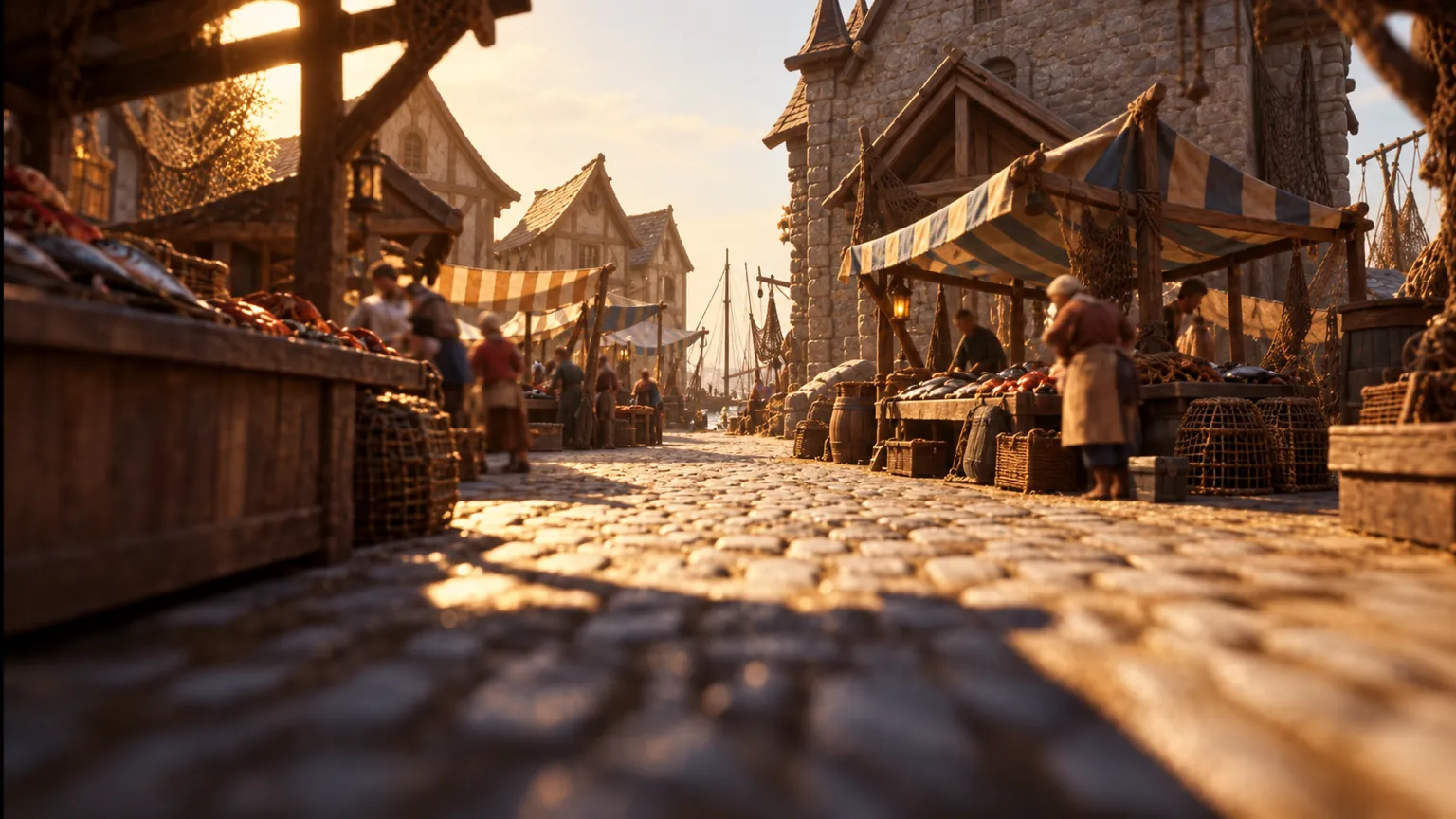
Describe a place, an action and a mood. ChatUp turns it into a short clip, ready in minutes.
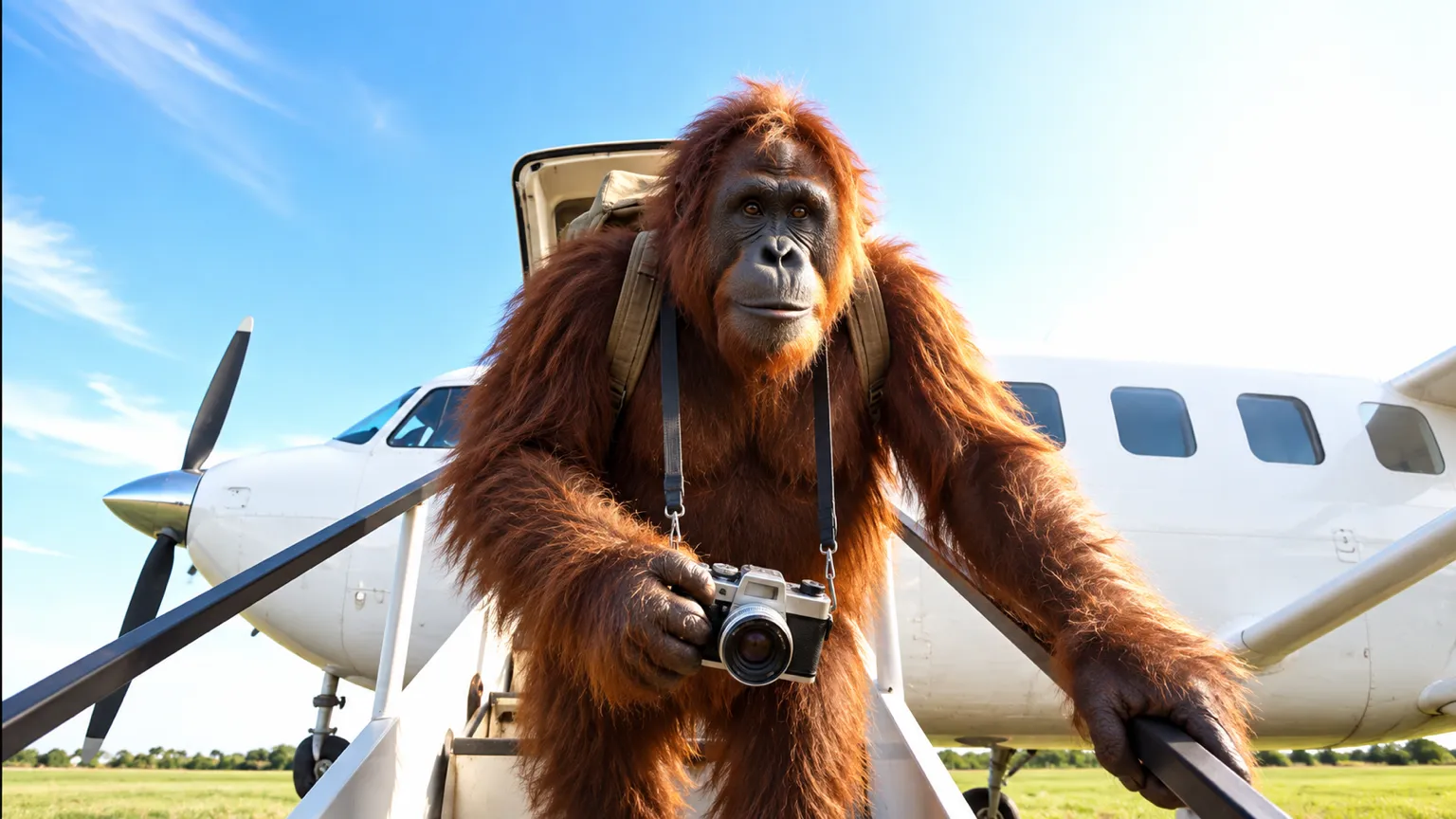
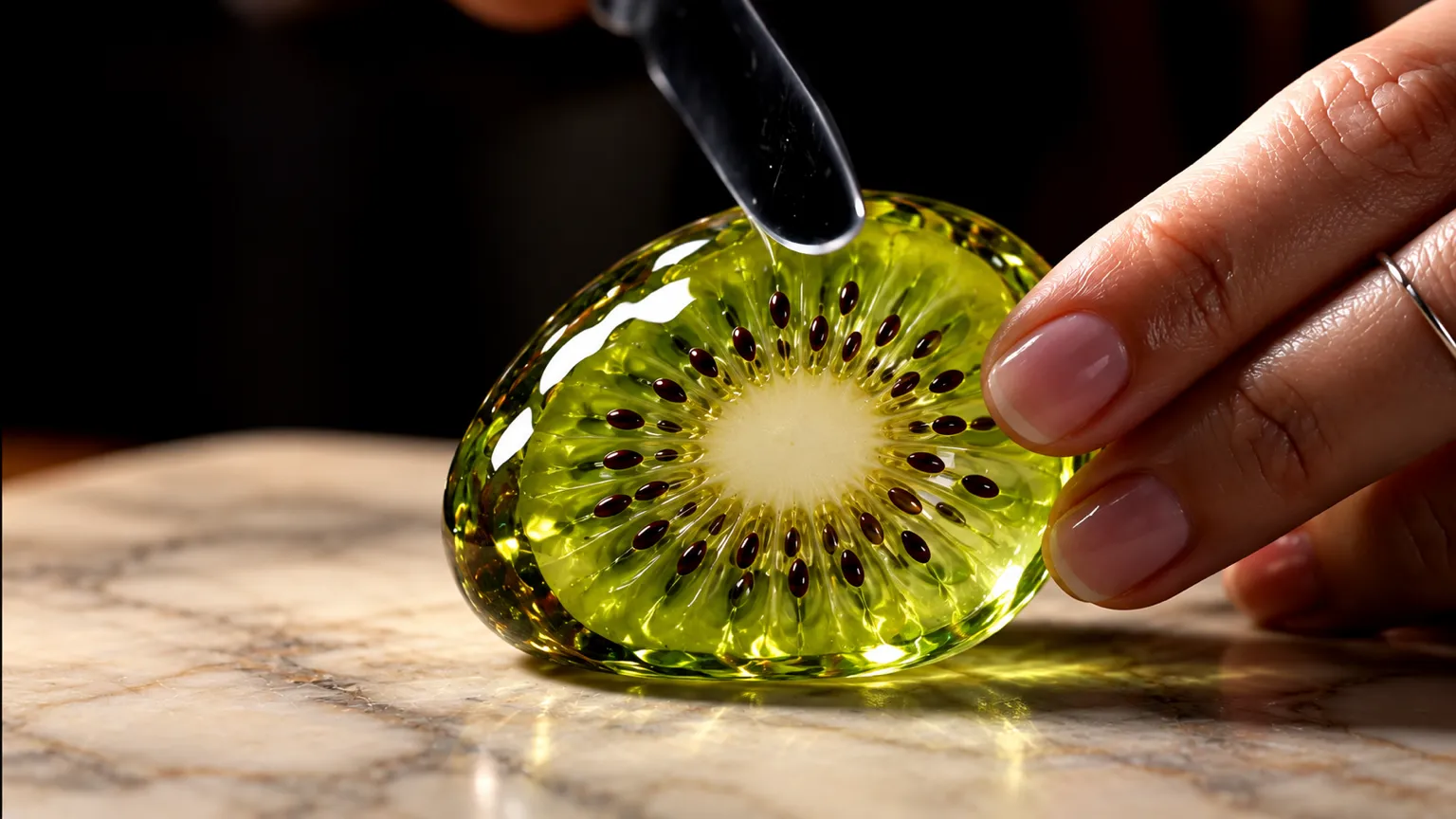

Video model for a description and a photo, with clips of 1 to 15 seconds in 480p and 720p.
Video model for a description and a photo, with clips of 5 to 15 seconds in 768p.
Video model for a description and a photo, with clips of 4 to 15 seconds in 720p.
Video model for a description and a photo, with clips of 4 to 15 seconds in 720p.
Type the scene you picture, or add a photo and say how it should move.
Choose a video model, then the length and shape the model offers.
The clip lands in your history when it’s ready. Download it or make another version.
Yes. Choose Image to Video, add your photo in ChatUp, and describe the motion you want.
It depends on the model you pick. The tool shows the lengths each model offers before you create.
Usually a few minutes. You can leave the tool while it renders and find the clip in your history.
Yes. Making videos is part of a paid ChatUp plan. Each video uses credits, and the cost is shown before you create. See plans.
Under ChatUp’s Terms you keep the rights to what you create, including commercial use, as long as you follow the Terms and the law. Read the Terms.

Describe it once, pick a model, and let ChatUp do the rest.
Start creating