Take out accessories and props
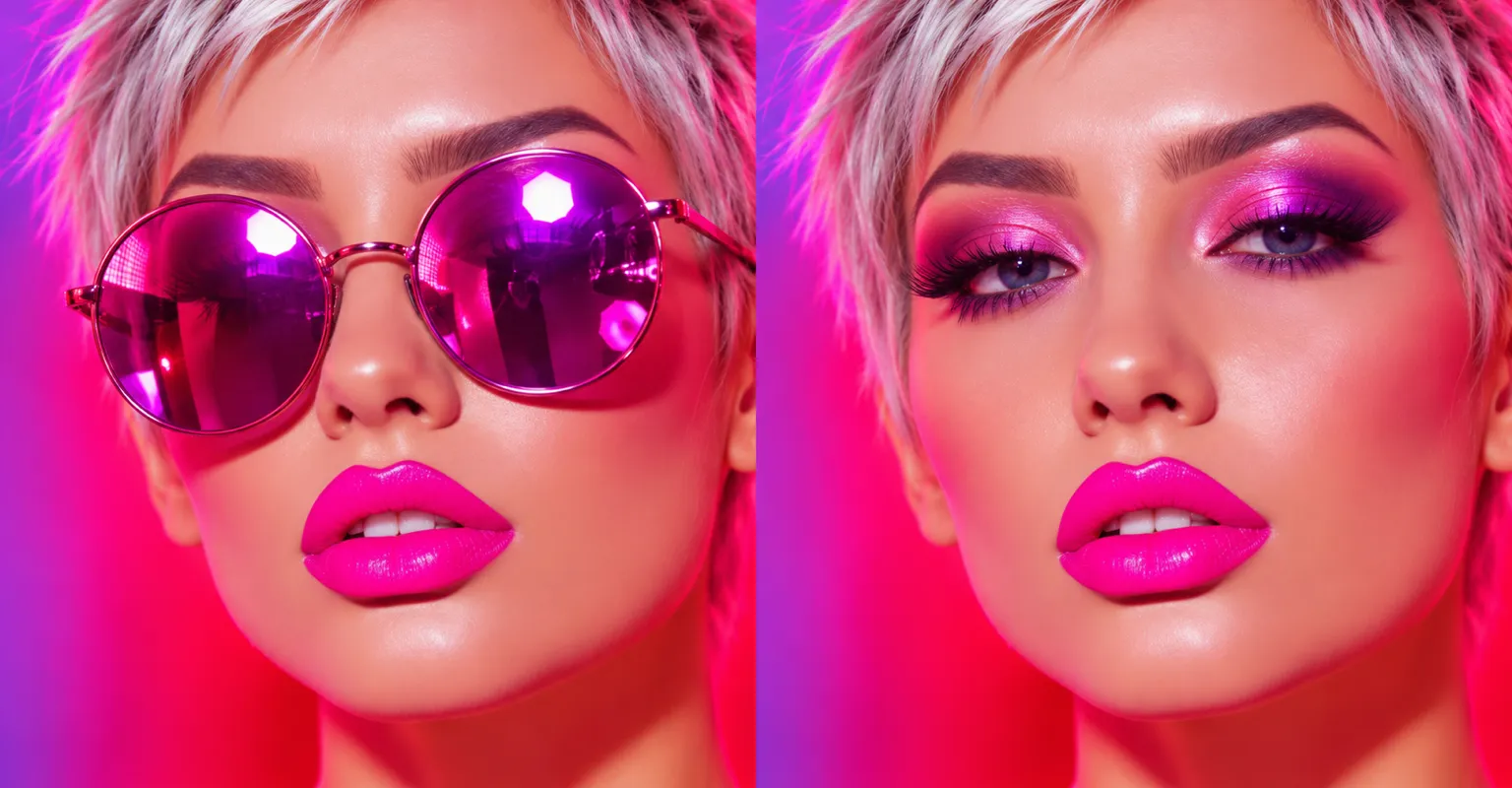
Remove glasses, hats, stray objects or anything else that pulls attention away from the subject.
Name what shouldn’t be there, a stranger, a cable, a sign, and ChatUp’s image editor takes it out and fills the space to match.
Sample edit
Remove glasses, hats, stray objects or anything else that pulls attention away from the subject.
Ask for passers-by or photobombers to be taken out of the frame.
Clean up cables, bins, signs and other distractions.
Ask for spots, stains or small blemishes in the scene to be cleaned up.
Say what should appear in the gap instead, such as a plant or an empty chair.
Open the AI Image Editor and add the photo.
Describe the object and where it is, and ask for everything else to stay the same.
Create the edit, then save it or refine your words and retry.
Say where it is (top left, behind the table) and add “keep everything else the same”. One change per edit works best.
Only edit photos you have the right to change. ChatUp’s content rules apply to every edit. Read the Terms.
Yes. Describe what should fill the space, and the editor puts it there to match the light and angle.
Yes. Making and editing images is part of a paid ChatUp plan. Plans show their limits before you choose one. See plans.
Under ChatUp’s Terms you keep the rights to what you create, including commercial use, as long as you follow the Terms and the law. Read the Terms.