Pick the best one
Make a few takes on a favourite image and keep the one that works.
Like a picture but want options? Add it and ChatUp makes a new version with the same subject, palette and feel, ready to compare.
Sample photo
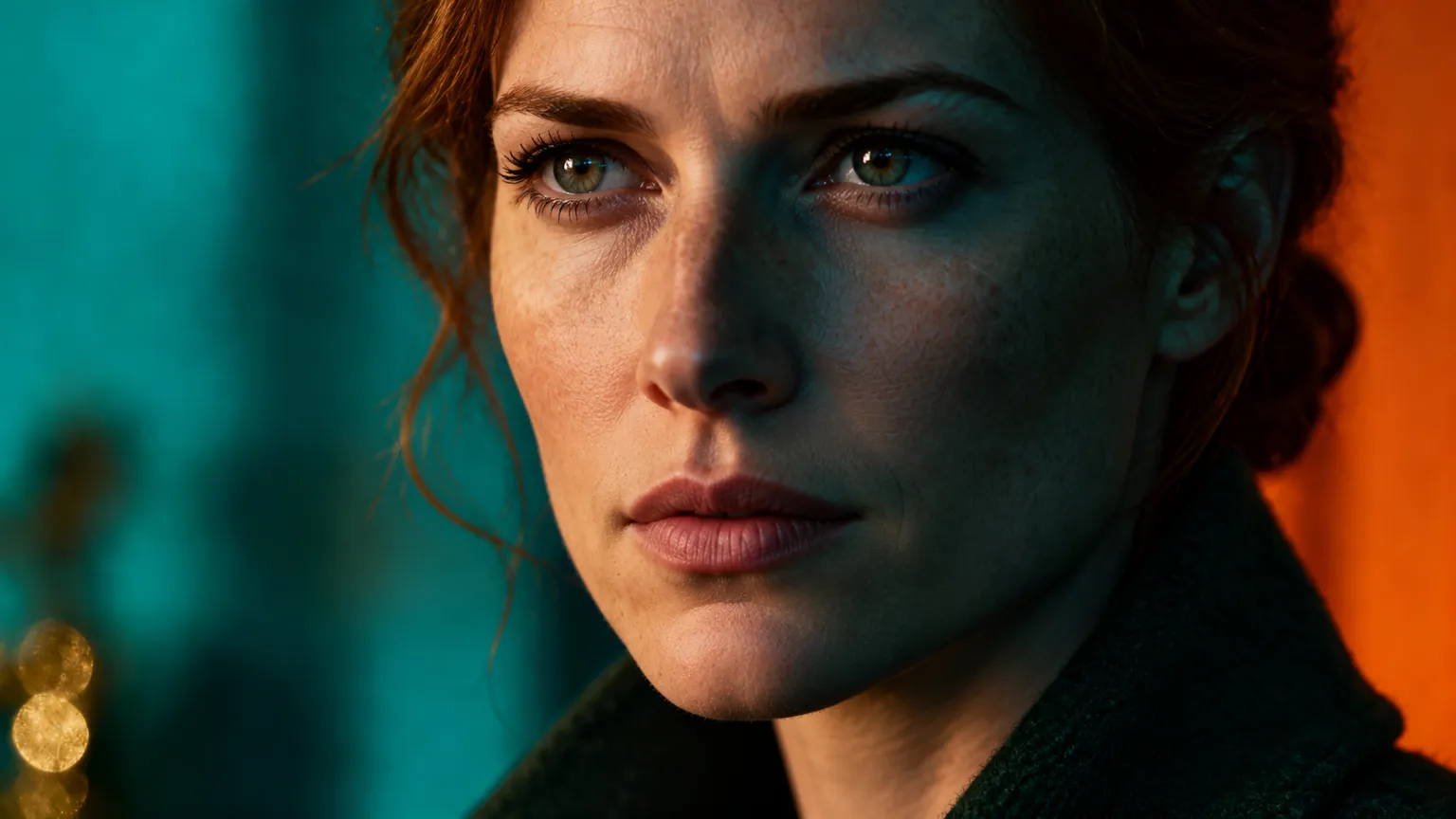
Make a few takes on a favourite image and keep the one that works.
Get new pictures in a style your audience already likes.
Explore one look in several directions before you commit.
Use a variation as a reference for your next image or video.
Upload a picture or pick one from your assets.
There is nothing to set. Run it again for another take.
Every variation lands in your assets, so you can compare and download.
It keeps the subject, colors and mood, but the details and composition change, so each one is a new picture.
Not in this tool. To describe a change, use the AI Image Editor instead. AI Image Editor.
A PNG, JPEG or WebP you upload, or any image already in your ChatUp assets. An uploaded photo is resized to at most 2048 pixels on its longest side, and an image too large for the tool is scaled down to fit before it is edited.
Yes. The image tools are part of a paid ChatUp plan. Each edit uses credits, and the tool shows the cost on its Create button before you start. See plans.
You get the credits back. That includes an edit stopped by ChatUp’s content checks.
Under ChatUp’s Terms you keep the rights to what you create, including commercial use, as long as you follow the Terms and the law. Read the Terms.